Need help? Contact Support
Log in to your HubSpot account using admin credentials.
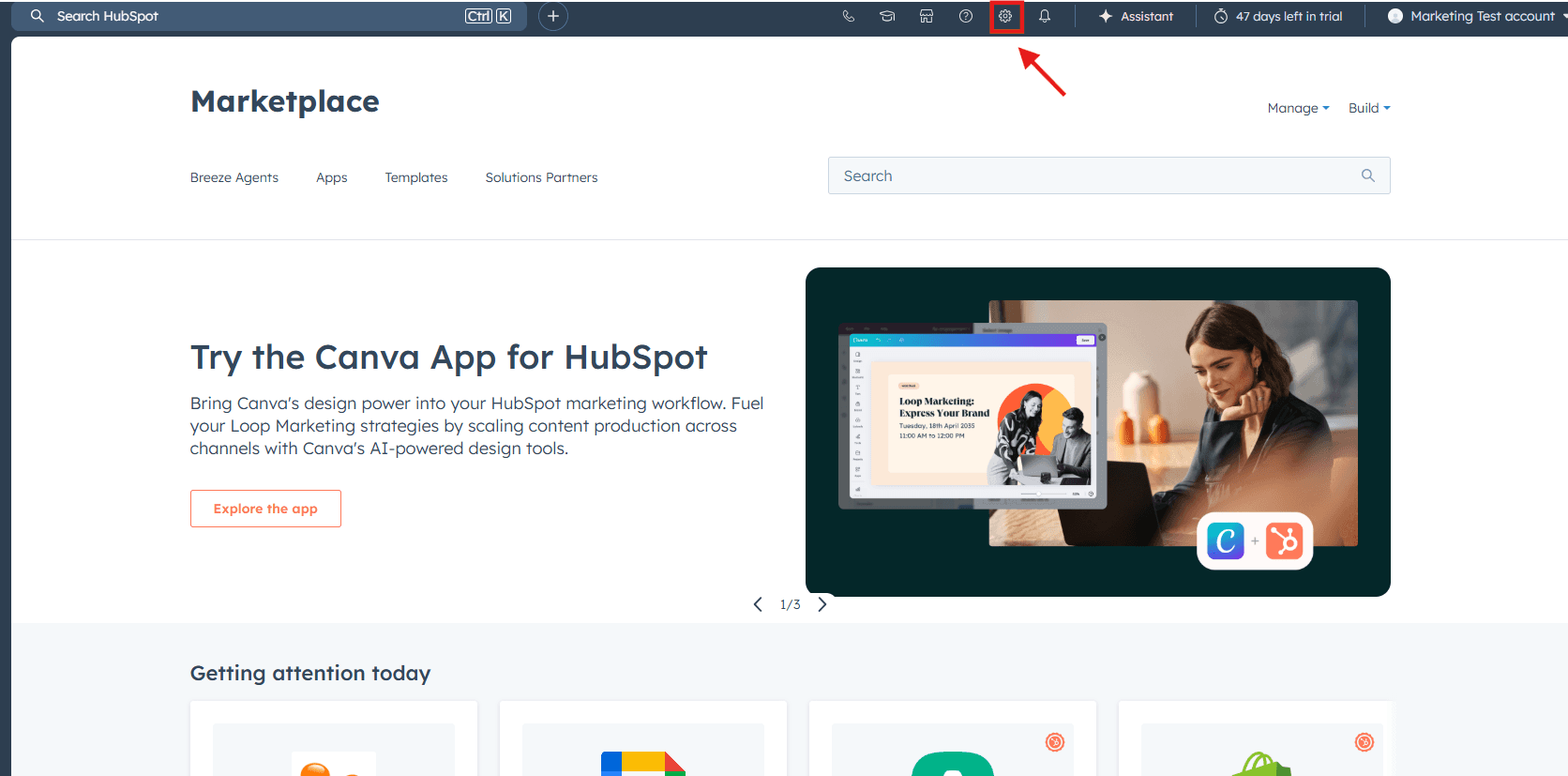
Click the Settings ⚙️ icon from the top navigation bar.
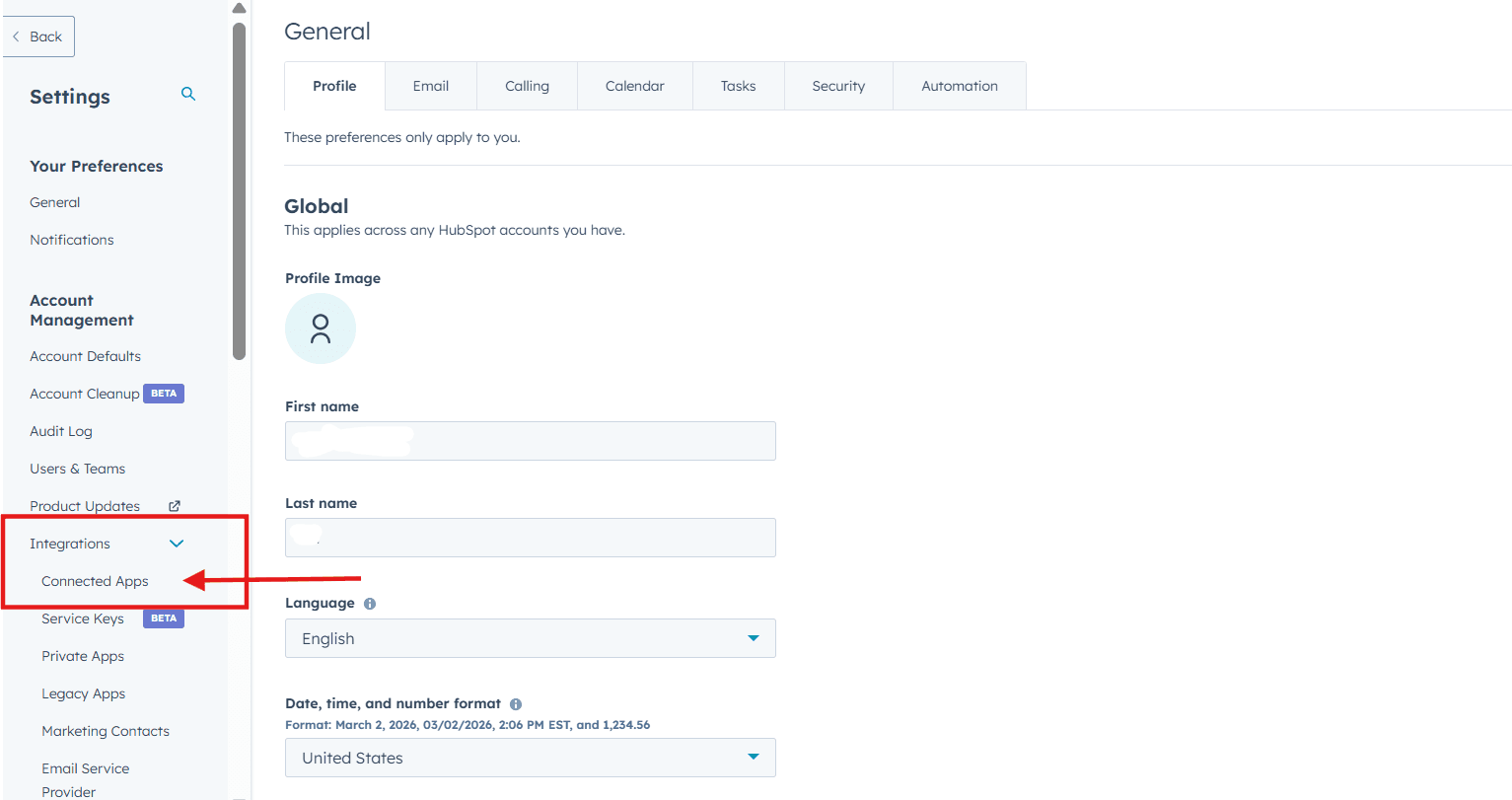
In the left sidebar, navigate to Integrations → Connected Apps.
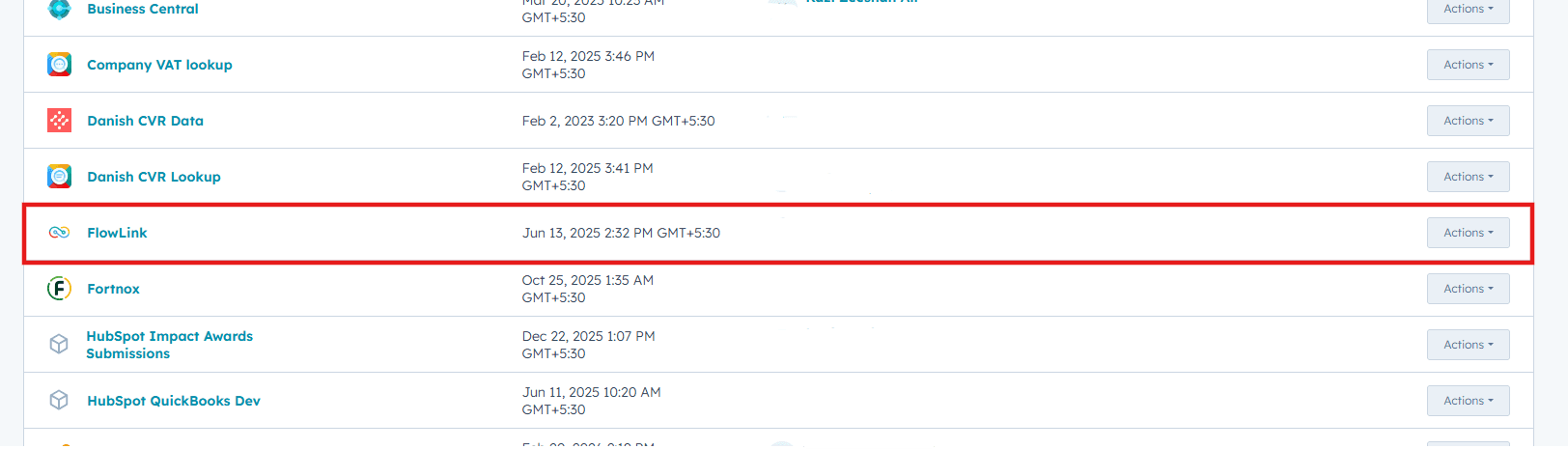
Locate "FlowLink" from the list of installed integrations.
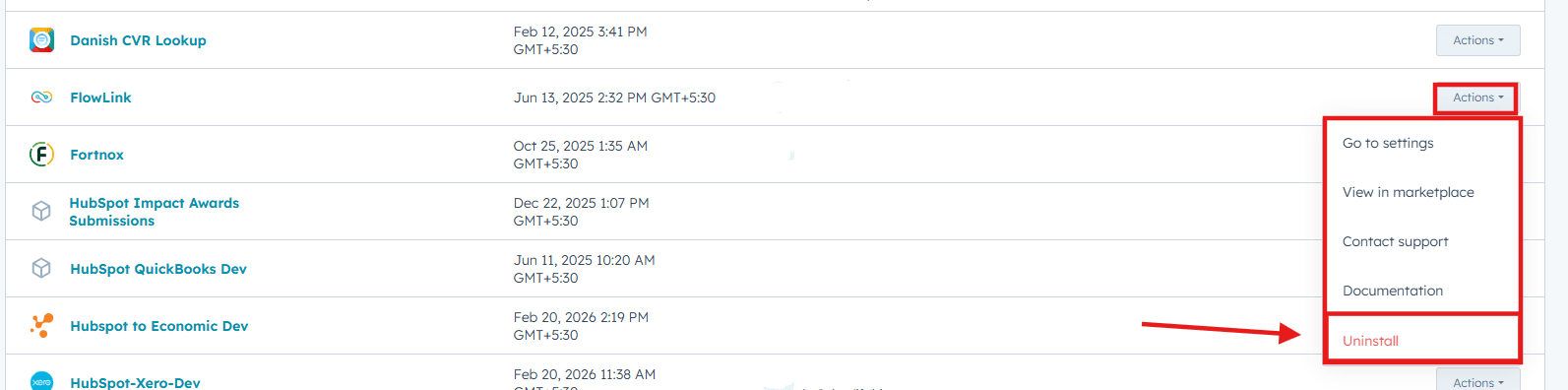
Select Actions (or the options menu) and choose Uninstall App.
Review the confirmation message and click Uninstall to proceed.
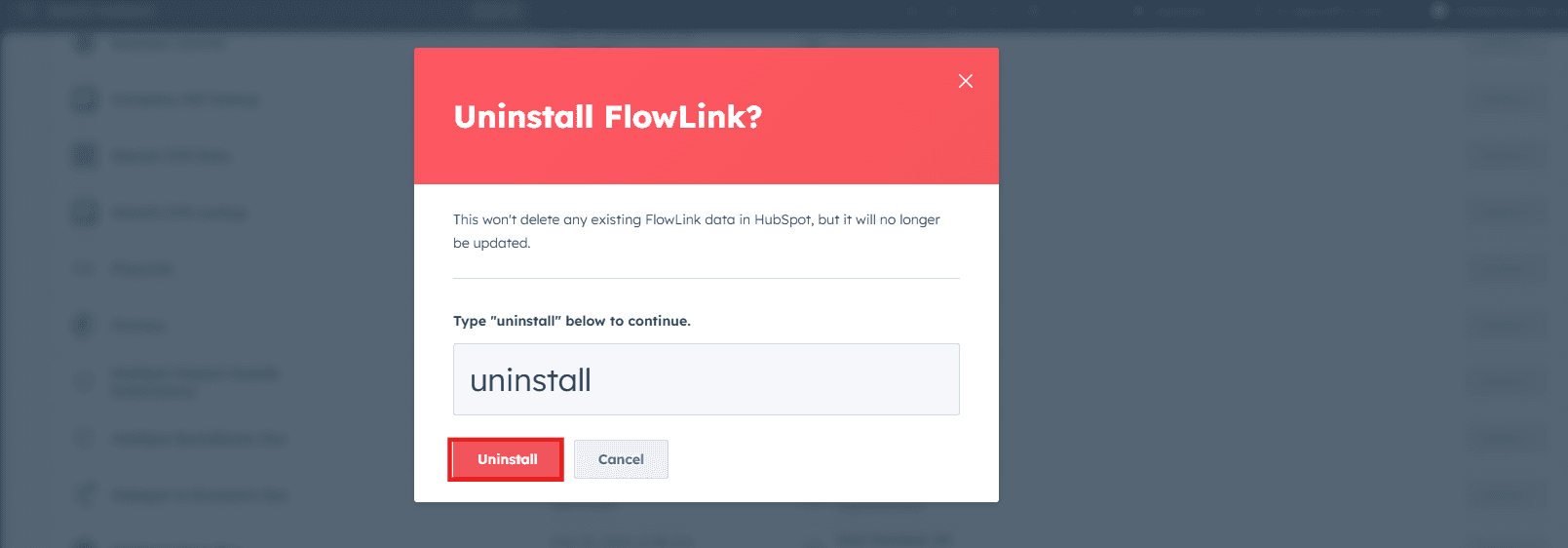
Uninstalling the integration will stop all future data syncing between HubSpot and FlowLink . Uninstalling the app will not delete any of your existing data, however, it will impact your ability to use the functionality described above.