Need help? Contact Support
How to access the Integration Dashboard
To view and manage your HubSpot–Xero integration dashboard:
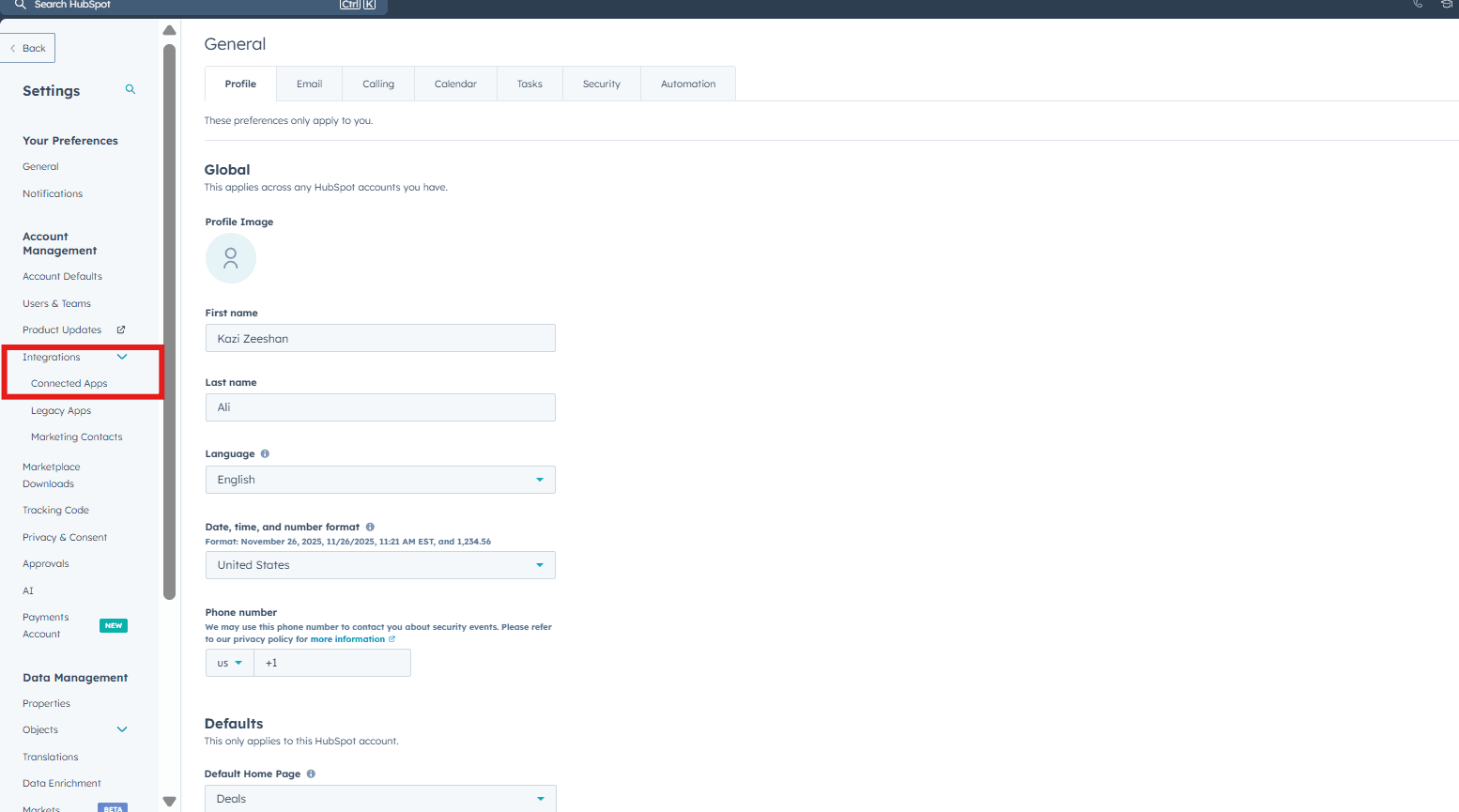
Click on "Connected Apps" → "Xero" → "Settings"

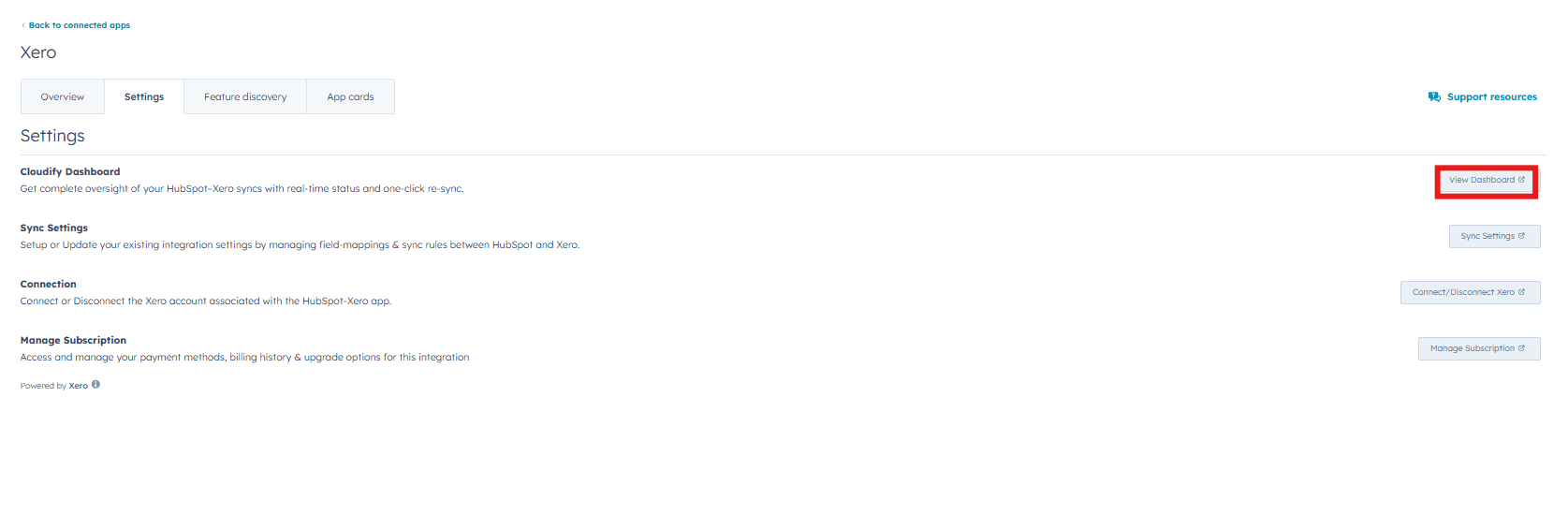
Under the “Settings” tab, go to “Cloudify Dashboard” and click the “View Dashboard” button on the right side.
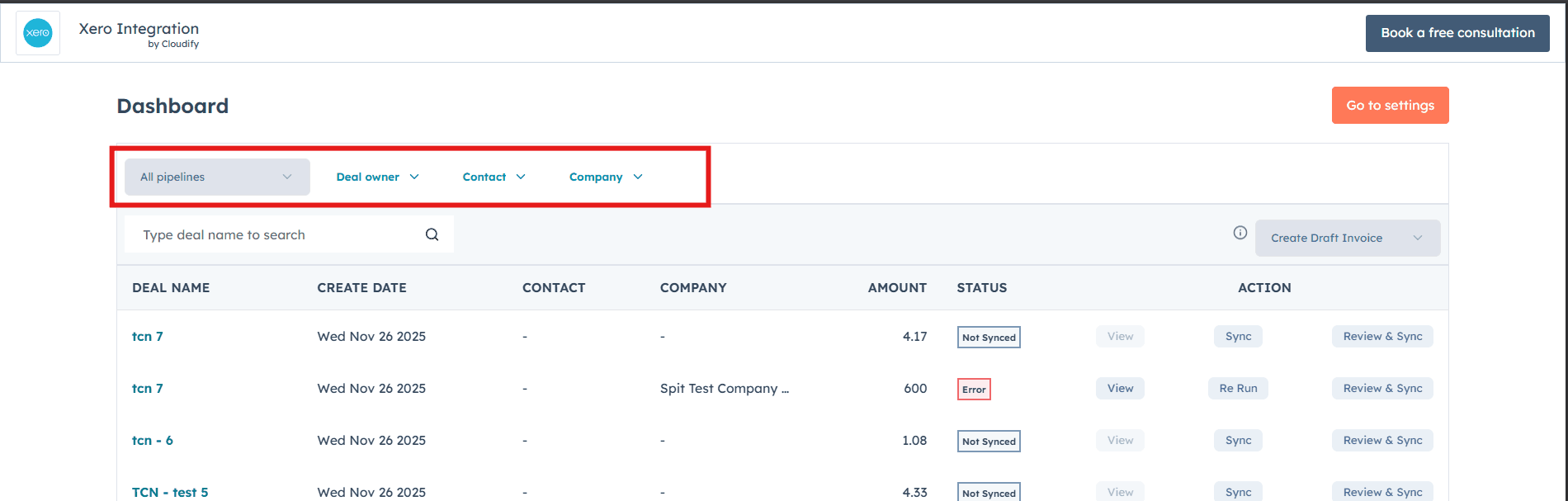
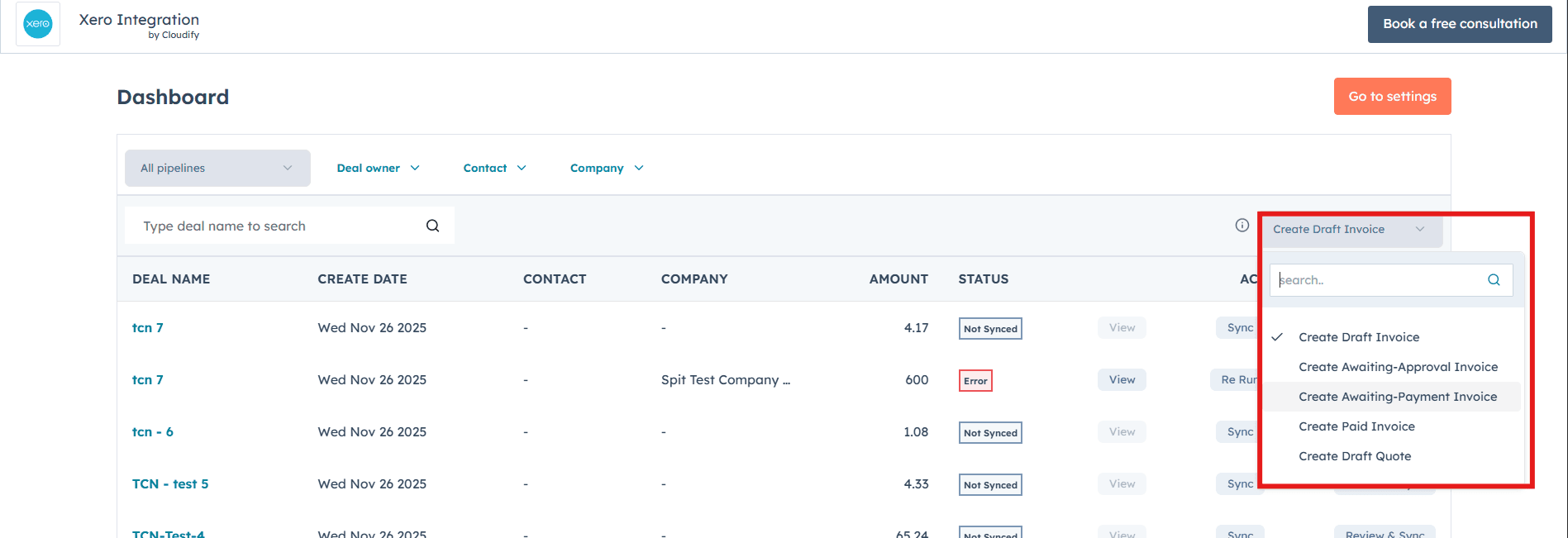
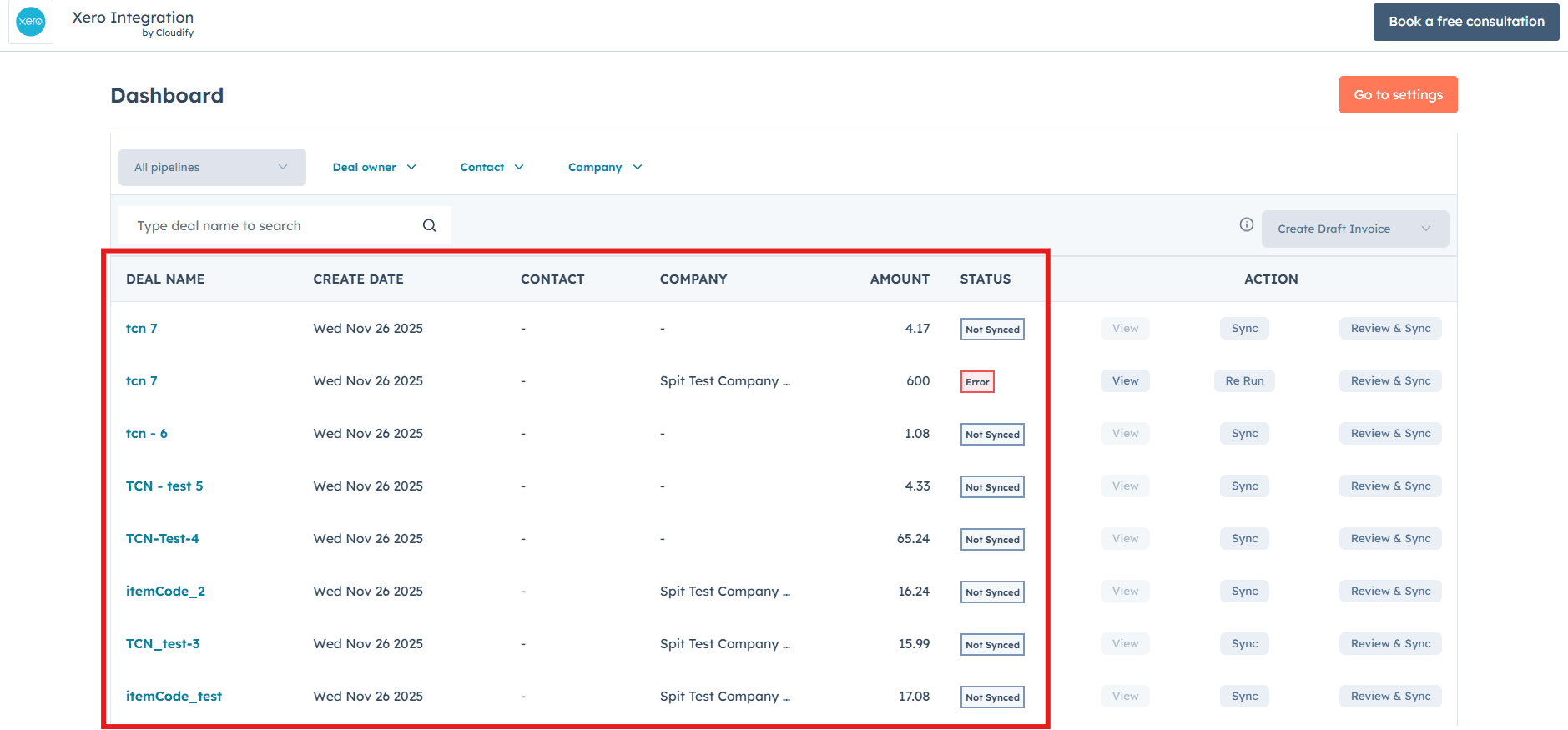
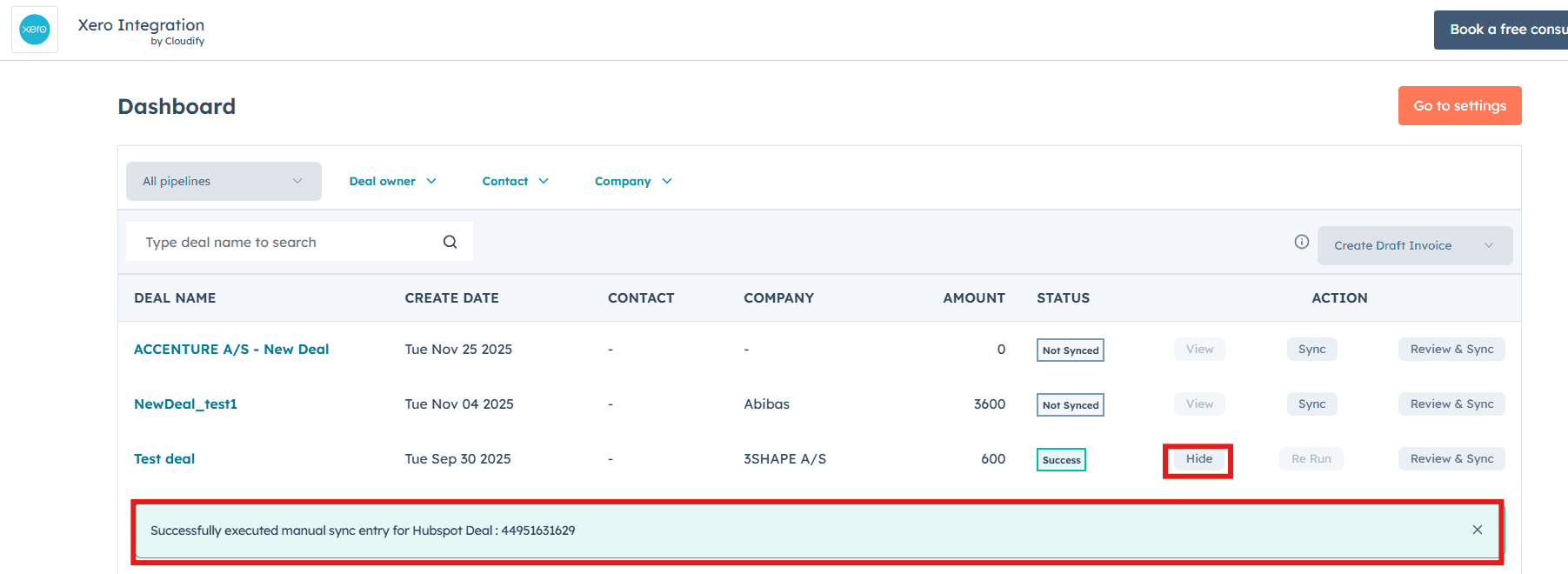
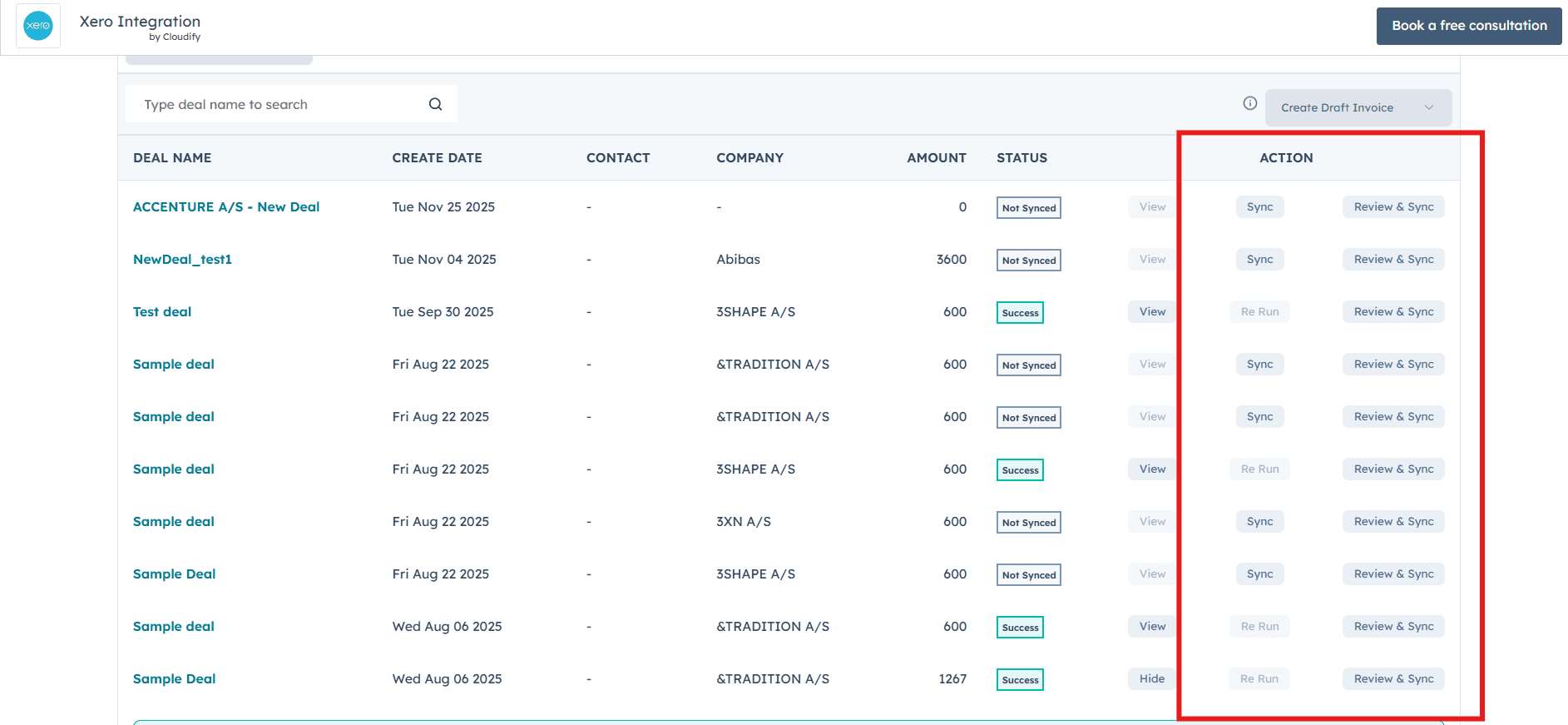
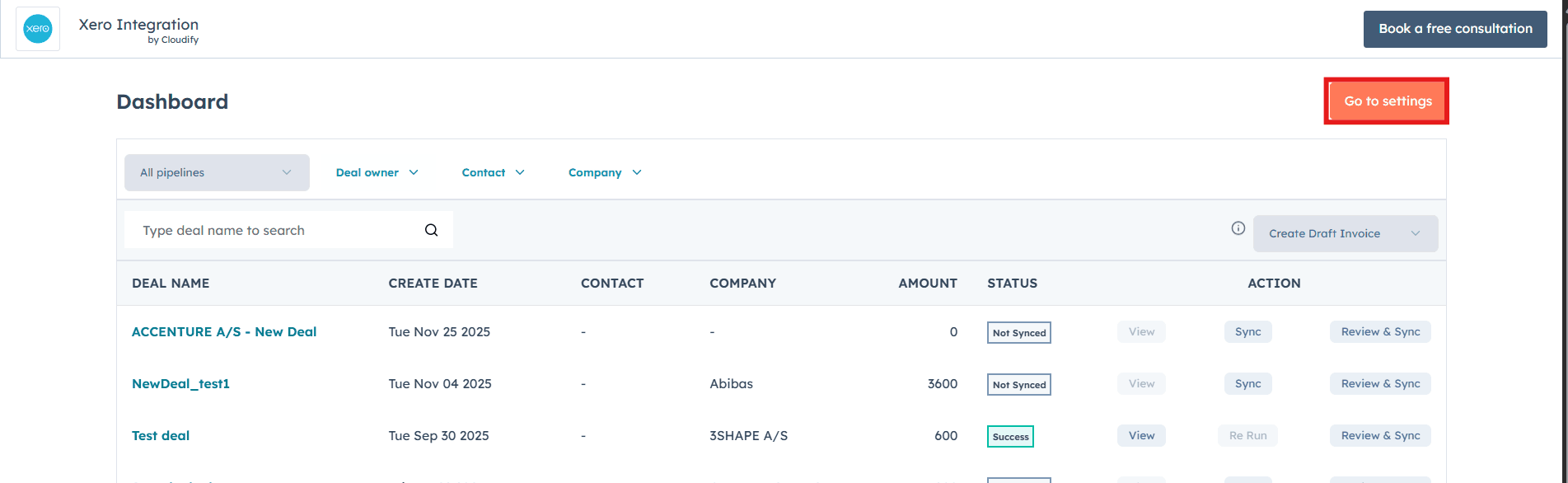
This will open the full Cloudify HubSpot–Xero dashboard, where you can monitor sync statuses, manage invoices, and take action on your deals in real time.