.
Picture this: It's Sunday evening. Your Shopify store had a solid week — orders rolling in, customers happy. But instead of celebrating, you're hunched over a spreadsheet, manually copying order details into Xero one by one.
Sound familiar?
If you're running a Shopify store and using Xero for your accounting, there's a good chance you're stuck in this loop. And honestly, it's one of the most avoidable headaches in e-commerce.
Let's talk about how to fix it.
Why Shopify Store Owners Struggle with Accounting
Running an online store is already a full-time job. You're managing products, dealing with customer queries, handling shipping, and trying to grow. The last thing you have time for is playing data-entry clerk between your store and your accounting software.
But here's the problem — Shopify and Xero don't talk to each other by default.
Every order that comes in? You have to manually create an invoice in Xero. Every refund? Manual entry. Customer details? You're typing them in again. Product records? Same story.
It's repetitive, it's error-prone, and it quietly eats hours of your week that could go toward actually growing your business.
For small to mid-sized businesses, this isn't just annoying — it's risky. A missed invoice means inaccurate revenue records. A wrong entry means tax headaches. And if you're scaling, the problem doesn't get smaller. It compounds.
The Real Cost of Manual Data Entry
Let's be honest about what manual syncing is actually costing you.
Time: If you're processing 20 orders a day and spending even 3 minutes per order on accounting admin, that's an hour of your day — every single day — on work that adds zero value to your business.
Errors: Humans make mistakes. A wrong tax code, a missed decimal, a duplicate entry — these small errors can snowball into big problems at tax time or during an audit.
Stress: There's a mental load that comes with knowing your books might be behind. It affects decision-making. You can't confidently look at your Xero dashboard and trust the numbers if you know they're only half up to date.
None of this is necessary anymore.
What It Actually Means to Integrate Xero with Shopify
When you properly sync e-commerce with accounting, here's what changes:
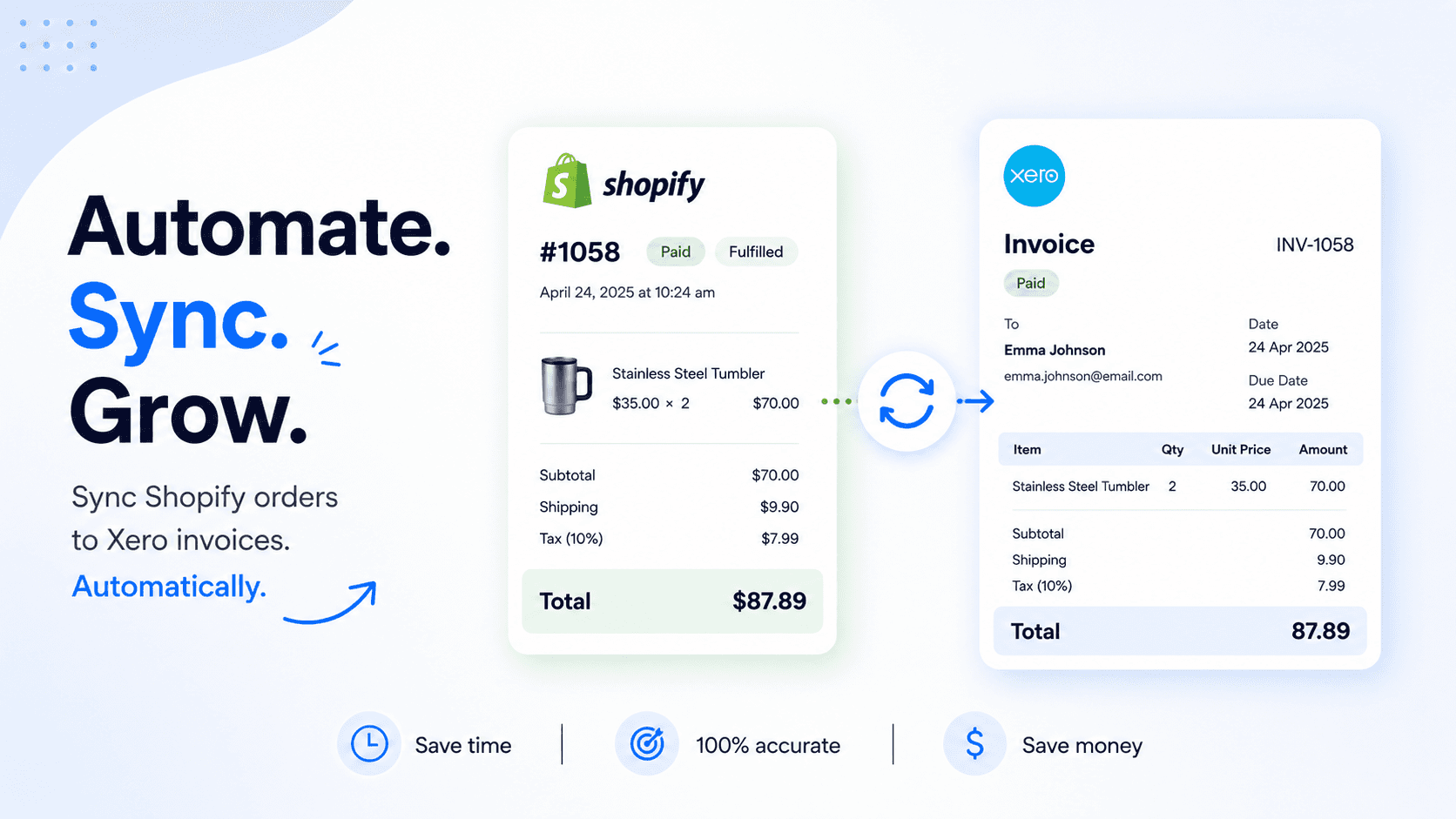
Every Shopify order automatically creates a corresponding Xero invoice — in real time
Customer records are created and matched in Xero automatically
Product details sync across both platforms so your records stay consistent
Refunds are recorded instantly without any manual intervention
Your Xero dashboard reflects your actual business, not a lagged version of it
This isn't just about saving time (though you will). It's about having clean, accurate, trustworthy financial data — which is the foundation of every good business decision you make.
How Cloudify Makes the Shopify Xero Integration Seamless
This is where Cloudify's Xero Integration app comes in.
Cloudify is built specifically for Shopify store owners who use Xero. It handles the entire sync automatically, without you having to lift a finger after the initial setup.
Here's what it does:
Automatic Invoice Creation
Every time an order is placed on your Shopify store, Cloudify instantly creates the corresponding invoice in Xero. No delay. No manual trigger. It just happens.
This means your accounting records are always current — whether you're processing 5 orders a day or 500.
Sync Shopify Orders with Xero Invoices — Including Refunds
Refunds are where a lot of manual systems fall apart. Store owners often remember to log the original order but forget to update Xero when a refund goes through. Cloudify handles this automatically, recording refunds and credit notes in Xero as soon as they happen in Shopify.
Customer and Product Data That Actually Matches
One of the messiest parts of manual accounting is keeping customer and product records consistent across two platforms. Cloudify syncs this data directly, so you're not dealing with duplicates, mismatched names, or missing records.
One Dashboard to Manage Everything
Instead of jumping between Shopify and Xero trying to figure out what's synced and what isn't, Cloudify gives you a single dashboard where you can see the status of your integration, spot any issues, and fix them quickly.
One-Click Retry for Missed Invoices
Sometimes things go wrong — a connection hiccup, a temporary API issue. Cloudify flags any invoices that didn't sync and lets you retry them with a single click. You don't have to go hunting through your orders to figure out what's missing.
Test Before You Go Live
If you're cautious about connecting your live store (understandably so), Cloudify lets you test the integration with sample data first. You can see exactly how it works and what gets created in Xero before you flip the switch on real orders.
Getting Started Is Simpler Than You'd Think
A lot of store owners assume integrations like this are complicated to set up. They're not — at least not with Cloudify.
Install the app from the Shopify App Store
Connect your Xero account
Configure your sync rules (Cloudify lets you tailor these to your setup)
Test with sample data
Go live
Cloudify also offers a free guided setup call, so if you hit any snags, you've got support to get through them quickly.
Pricing starts with a free trial (15 syncs to test it out), and the premium plan is $15/month with invoices billed at $0.15 each — straightforward and usage-based, so you're not paying a flat fee whether you use it or not.
Who This Is For
Cloudify's Xero integration is a good fit if you:
Run a Shopify store (any size) and use Xero for accounting
Are currently doing manual data entry between the two platforms
Have an accountant or bookkeeper who needs clean, up-to-date records
Are scaling and need your accounting to keep pace with your order volume
Just want to stop worrying about whether your books are accurate
If your business is small right now but growing, this is exactly the kind of infrastructure to put in place before the volume makes manual processes completely unmanageable.
The Bottom Line
Manual data entry between Shopify and Xero is a problem that has a clean, affordable solution. There's no badge of honour in doing it the hard way.
Connecting Shopify with Xero through Cloudify means your accounting runs in the background, your books stay accurate, and you get your time back to focus on the parts of the business that actually move the needle.
If you're ready to stop doing your accounting twice, install Cloudify's Xero Integration from the Shopify App Store and run your first sync today.
Frequently Asked Questions
What is the Cloudify Partner Program?
The Cloudify Partner Program is a structured reseller and referral program for accountants, advisory firms, and digital agencies. Partners earn recurring commissions by introducing clients to Cloudify's automation platform, which connects Shopify, Amazon, WooCommerce, HubSpot, Pipedrive, Xero, and QuickBooks. Cloudify handles demos, workflow mapping, and technical onboarding — partners earn structured commissions without managing the implementation themselves.
Who should join the Cloudify Partner Program?
The program is designed for two audiences: (1) Accounting and advisory firms that work with ecommerce clients and want to offer automation as part of their service stack, and (2) Digital and web agencies that manage clients' tech stacks and want to add integration and workflow automation without hiring developers.
What integrations does Cloudify support for partners?
Cloudify supports integrations including Shopify–Xero, Shopify–QuickBooks, HubSpot–Xero, Pipedrive–Xero, Amazon–Xero, WooCommerce–Xero, and payroll automation. Full integration details are available at (accounting systems) and CRM systems).
How do Cloudify partners earn commissions?
Cloudify offers structured recurring commissions. Partners earn on every client they onboard, with commissions continuing as long as the client stays active. Apply here.
Does Cloudify provide onboarding support for partners?
Yes. Cloudify provides done-for-you onboarding exclusively for partners and their clients. This includes demos, workflow mapping, and technical setup — all managed by the Cloudify team. Details here .