Finance Managers streamlining billing processes





Automatic invoice generation from Shopify orders
Save time and reduce errors by automatically generating Xero invoices from Shopify orders, with shipping fees included.

Replay Failed Invoice Syncs
Quickly resolve sync issues with the Replay option and gain full visibility through detailed logs in order notes

Customer and product sync
Maintain accurate records and avoid duplicates with precise customer and product synchronization between Shopify and Xero.
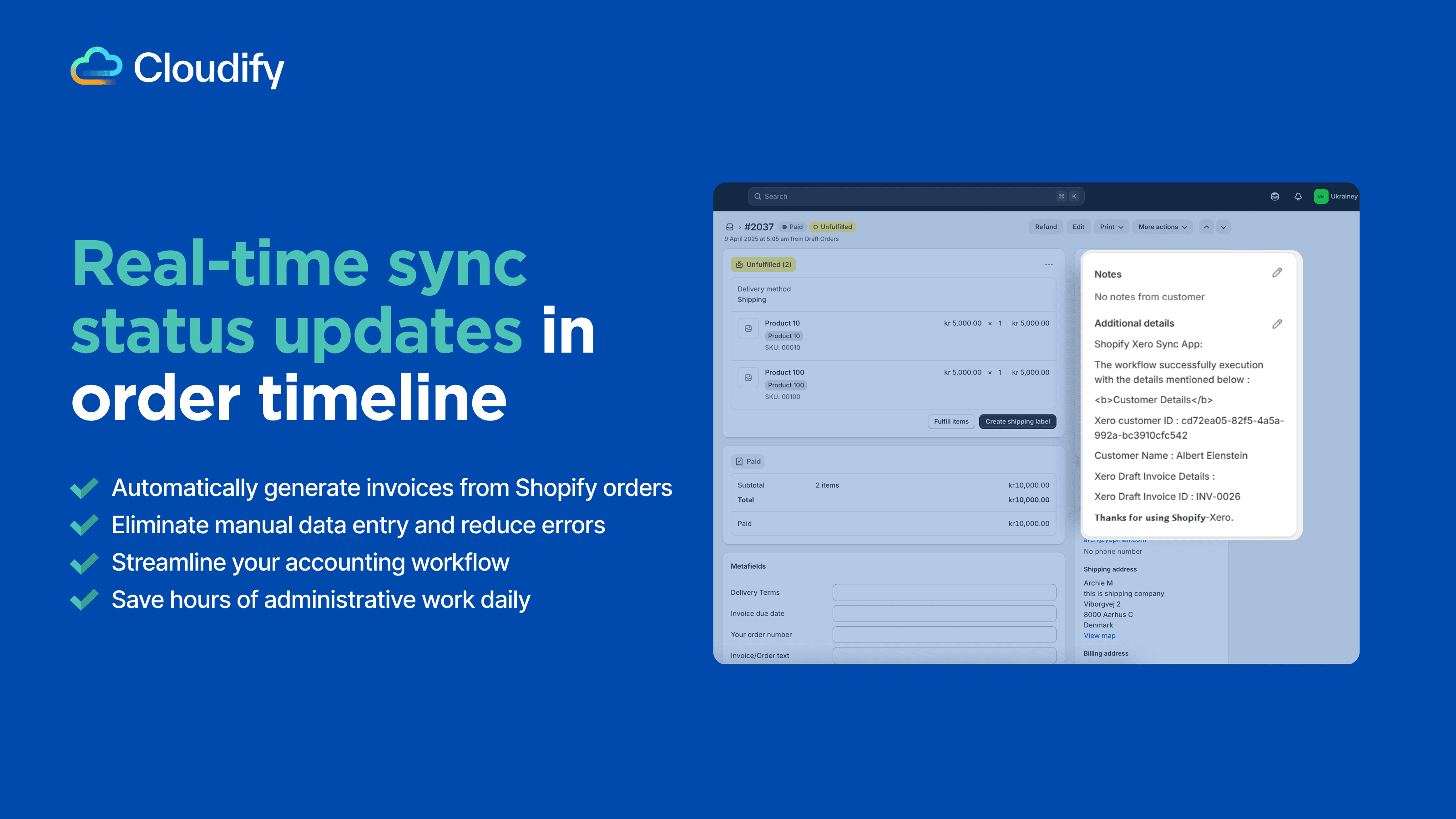
Real-time update in order timeline
Stay on top of every order with real-time timeline updates improving transparency, reducing delays, and keeping your operations running smoothly.
FAQ
Q: What exactly does this integration do?
This integration helps you:
Turn your Shopify orders into Xero invoices automatically
Keep your Shopify and Xero product and customer data in sync
Monitor sync status through detailed logs
Can I set up the integration myself?
Yes, you can set up the integration on your own. The process is straightforward and well-documented. For detailed instructions, please refer to our Integration Setup Guide.