Finance Managers streamlining billing processes
Sales Teams needing real-time financial insights
Operations Teams automating business workflows




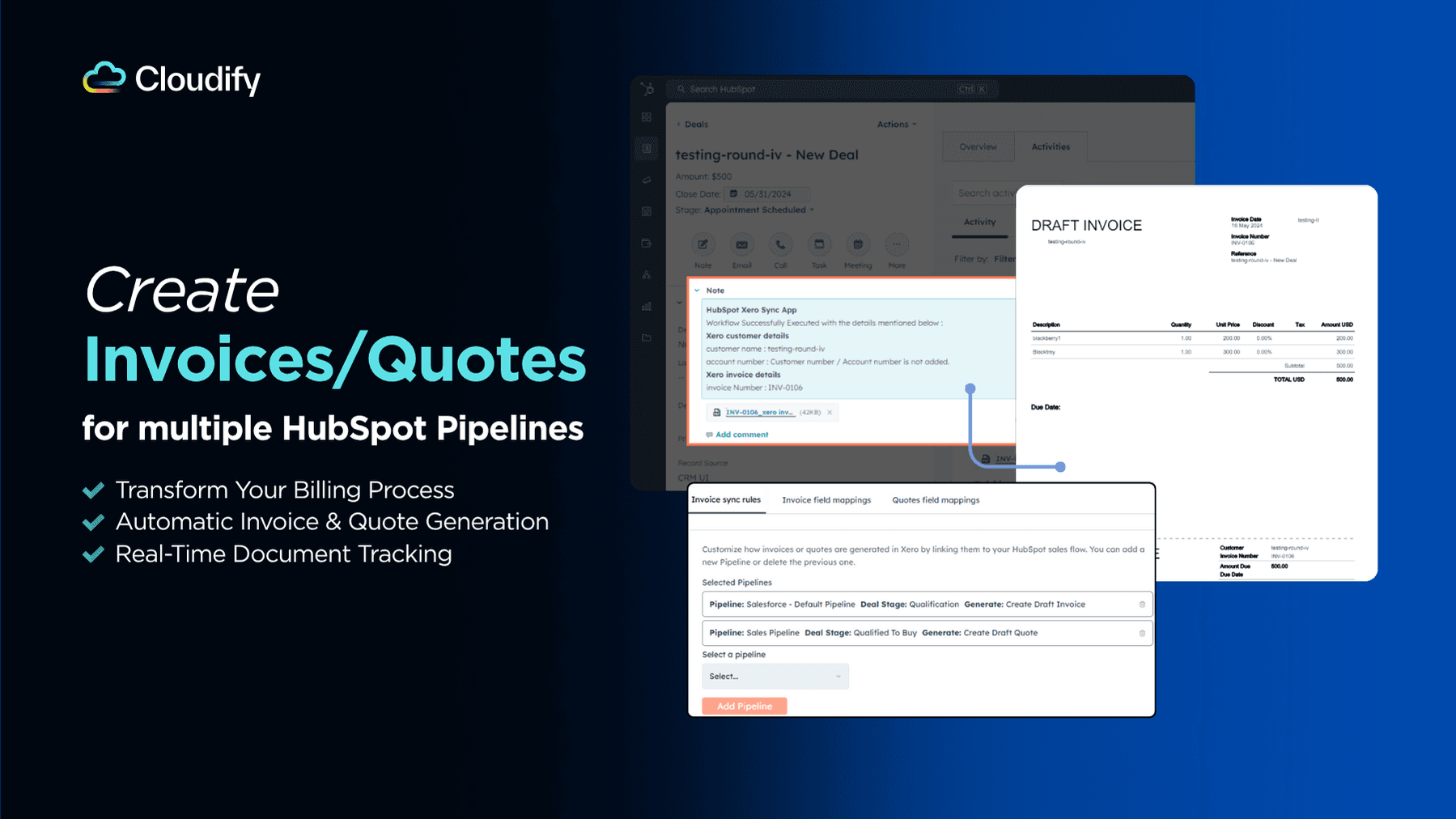
Automatic Deal-to-Invoice/Quote Creation: Save Time & Money
Transform your billing process with instant HubSpot to Xero conversion.
Create invoices and quotes automatically as deals progress, with flexible triggers for multiple pipelines.
Watch your documents sync automatically and check Xero invoice/quote status in your deals
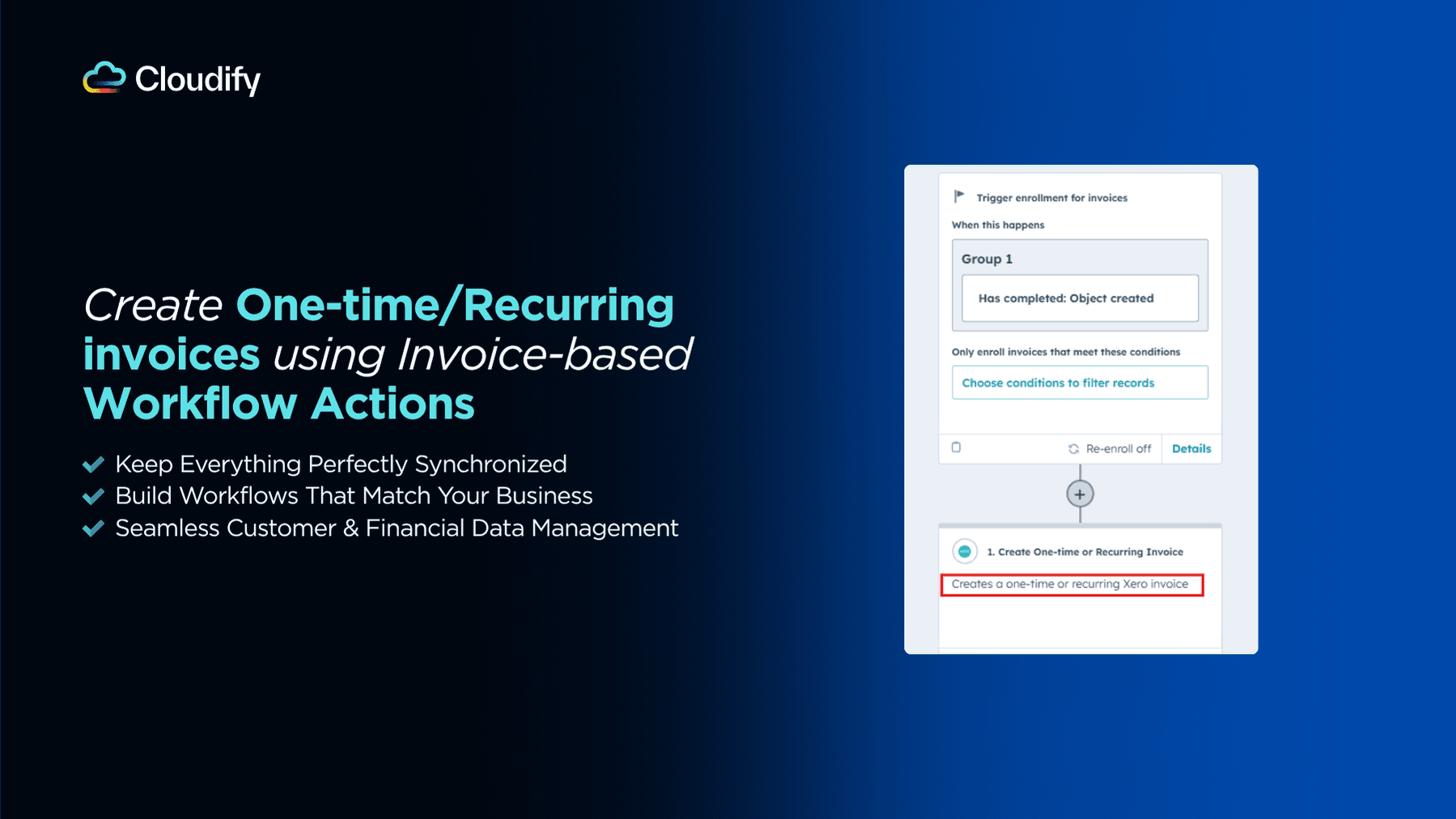
HubSpot Workflow Actions: Automate Your Business Processes
Leverage HubSpot's workflow engine to automate your entire Xero integration.
Create and update customers, generate invoices/quotes from Deals, and keep financial data current across both systems.
Design custom workflows for different business processes and create specialized rules for different customer segments.
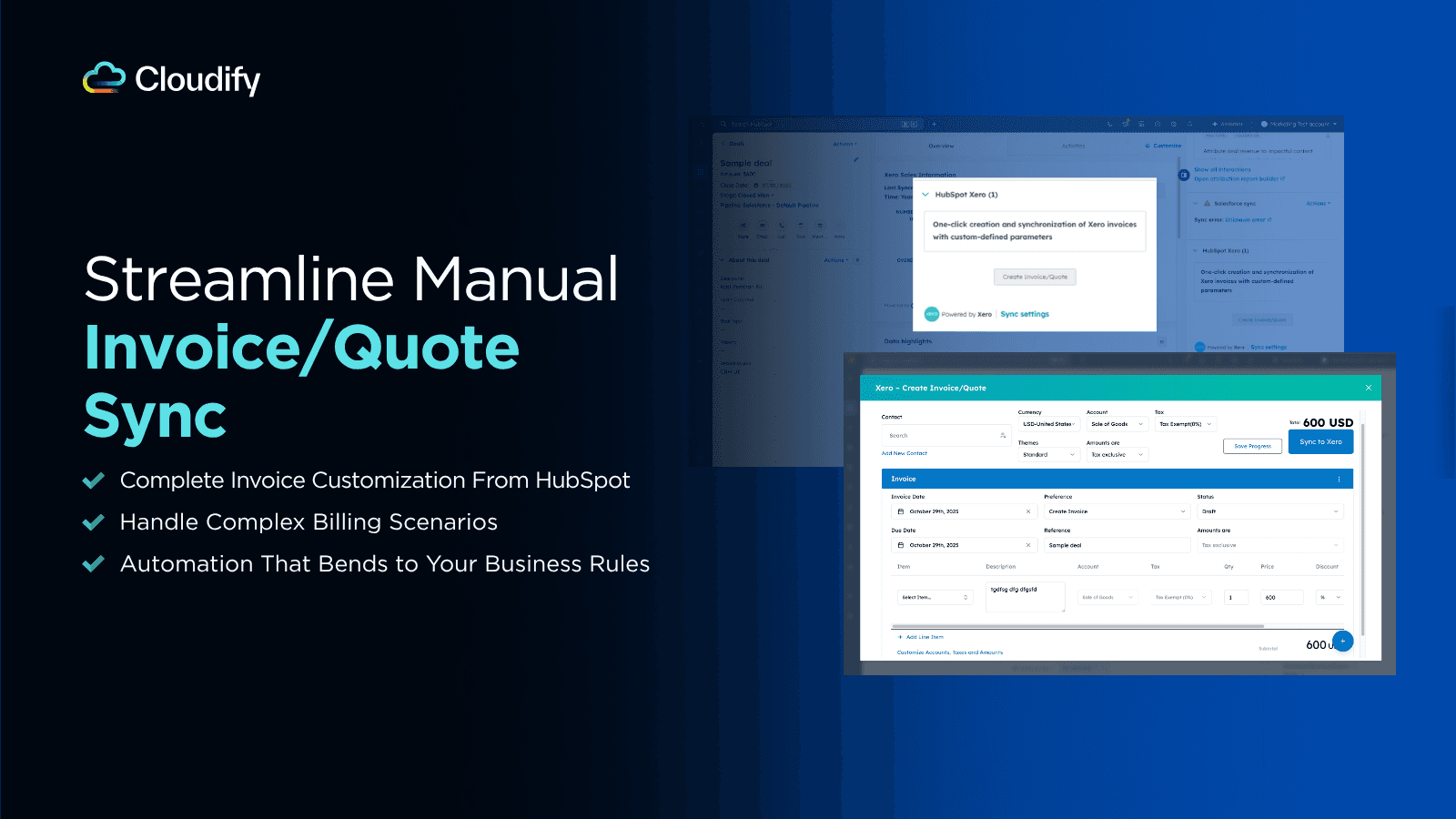
One-click Invoice: Flexibility Meets Automation
Create and customize Xero invoices/quotes directly from HubSpot Deals with complete control over taxes, amounts, discounts, and products.
Split invoices by percentage ratio for complex billing scenarios, review drafts before syncing, and maintain flexibility for special requirements while saving time on manual entry
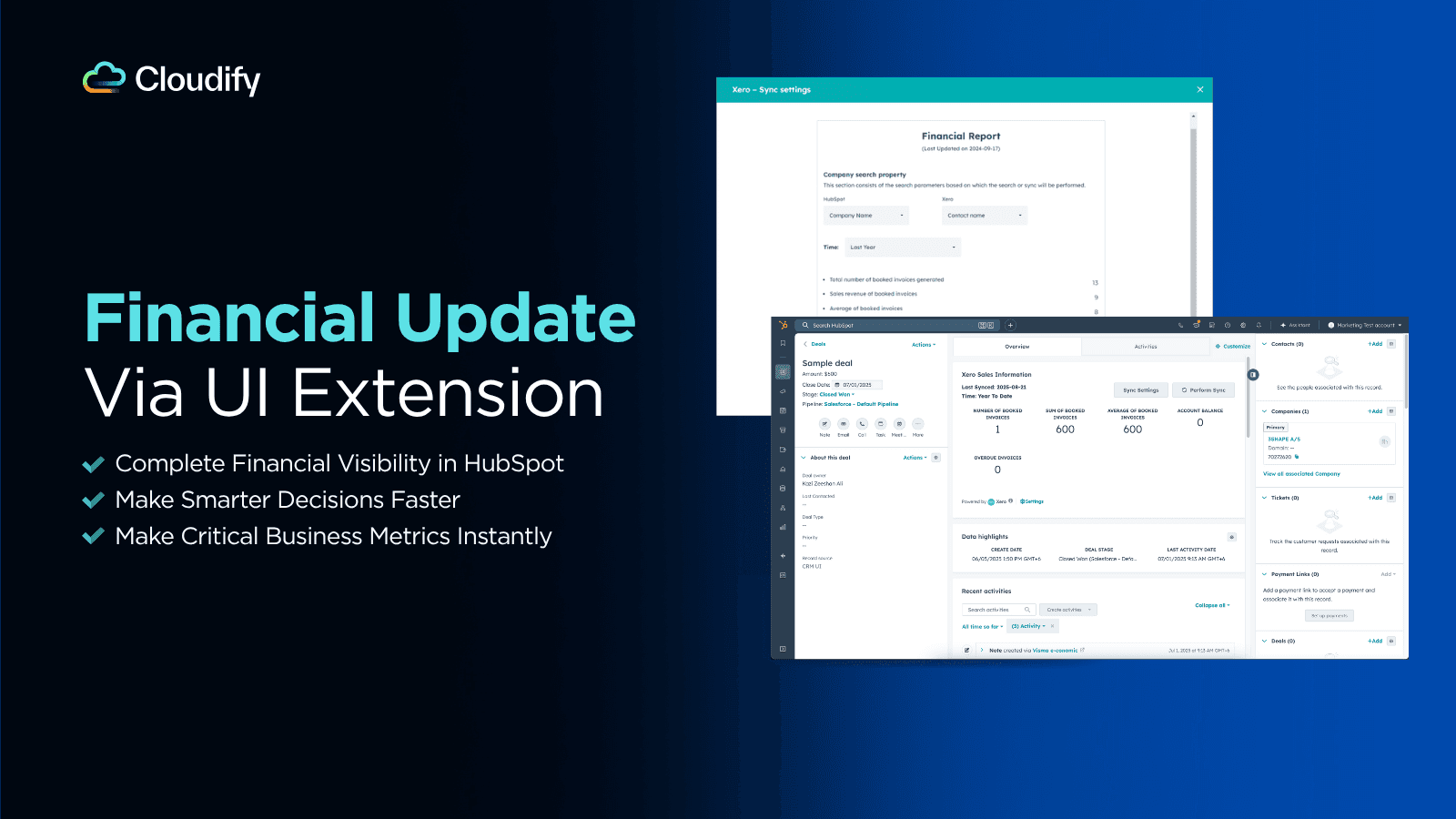
Financial Data Integration: Real-Time Business Insights
Access comprehensive Xero financial data directly in HubSpot through native UI extensions.
Monitor critical KPIs including overdue invoices, booked invoice totals, and year-to-date performance in real-time.
Make informed decisions and have better client conversations with up-to-date financial data without platform switching
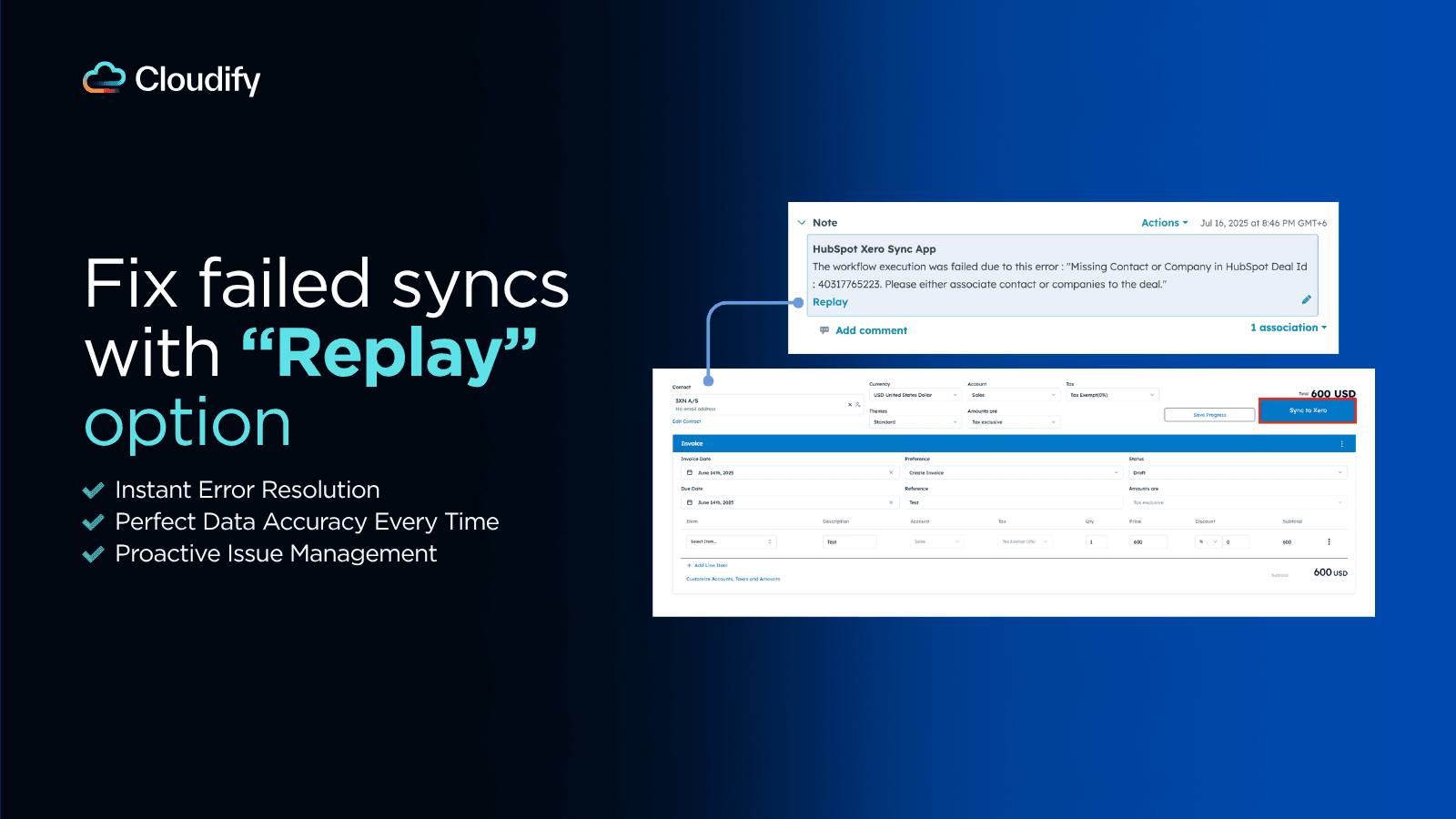
Instant Notifications: Never Miss a Critical Update or Sync
Stay on top of every sync action with automatic notification notes in HubSpot.
Receive detailed success messages with Xero information, clear error explanations, and use one-click replay to fix issues or update existing invoice/quotes.
Perfect for maintaining accuracy and making quick updates as your deals evolve.
FAQ
Is there a free trial available?
Yes, we offer a free trial that includes 15 syncs to help you evaluate the integration's features. It's designed to allow you to explore the integration's capabilities and determine how it fits your business needs.
Can I set up the integration myself?
Yes, you can set up the integration on your own. The process is straightforward and well-documented. For detailed instructions, please refer to our Integration Setup Guide.
Do I receive support if I run into any issues?
Yes, we provide support to set up the integration. We’ll work with you to configure the app together, ensuring it’s fully integrated and ready to go.
What happens when the integration fails?
Yes, you’ll be notified immediately with clear error messages and Xero details. You can quickly resolve issues using the one-click replay feature. For further help, contact us.
