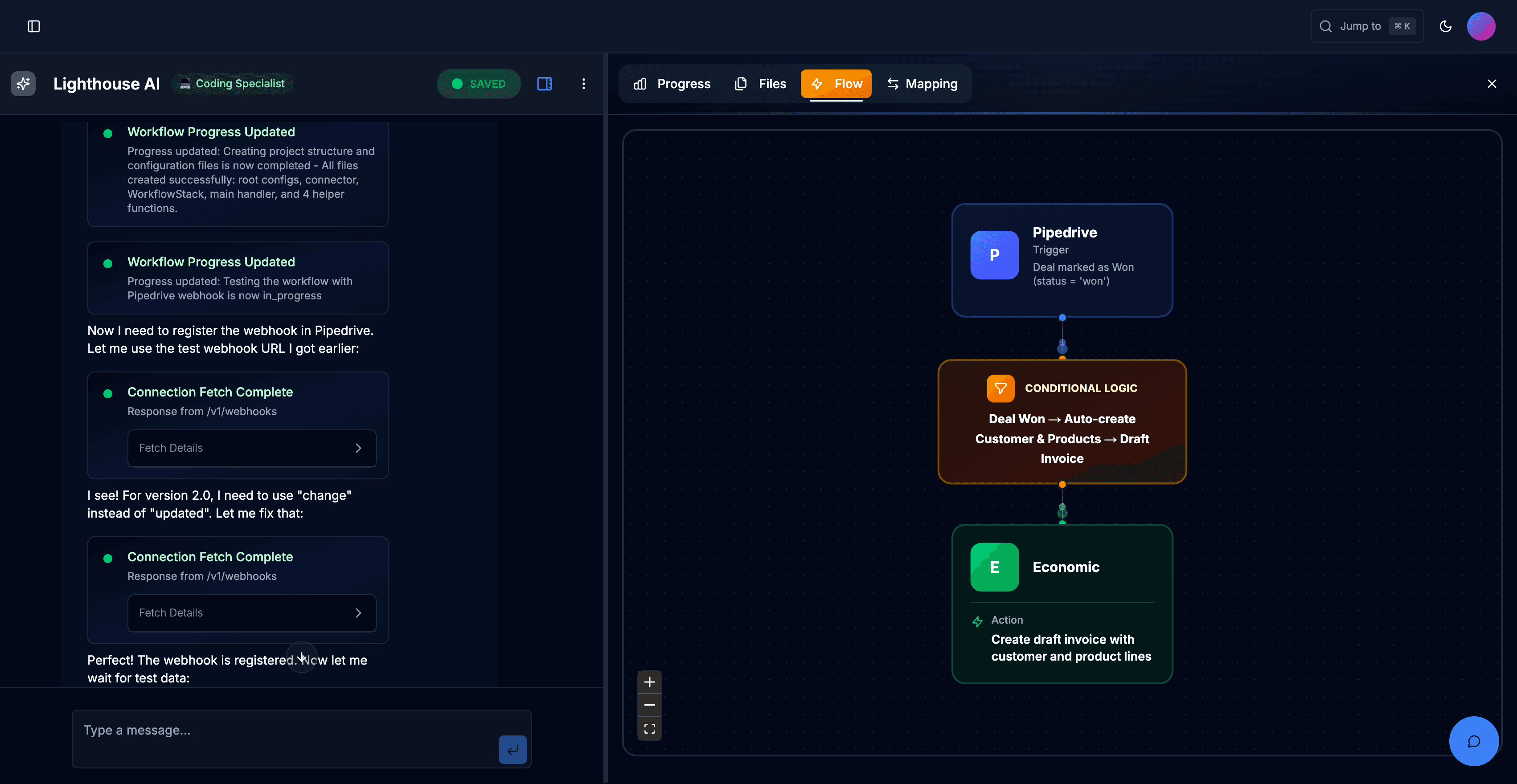
AI EXPERTS FOR MODERN BUSINESSES
Build custom integrations in hours, not weeks
Lighthouse AI is your coding specialist for integrations. Describe the workflow, and it designs, codes, tests, and runs the integration on Lighthouse’s enterprise‑grade event manager.
Trusted by forward-thinking brands




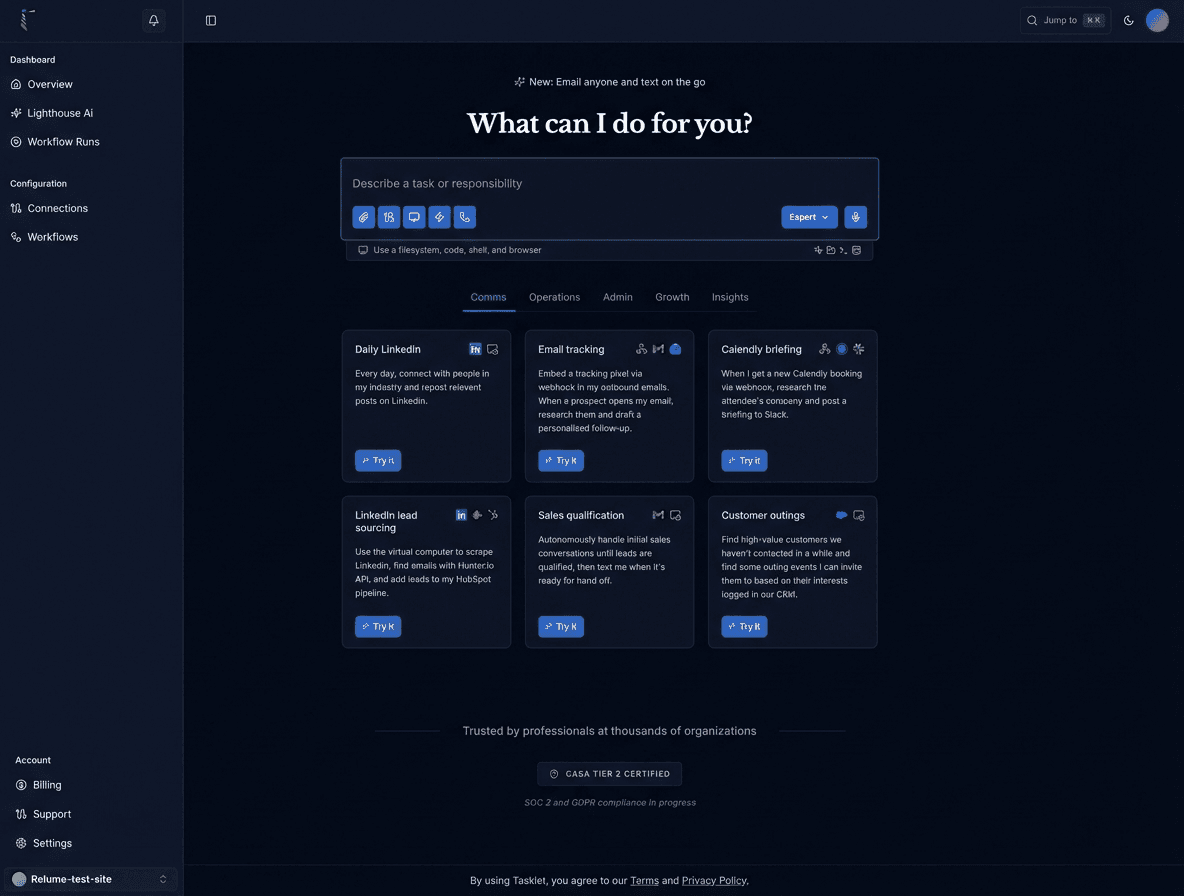
HOW LIGHTHOUSE AI WORKS
From first requirement to running integration in one guided flow

PROGRESS
FLOW
MAPPING
FILES
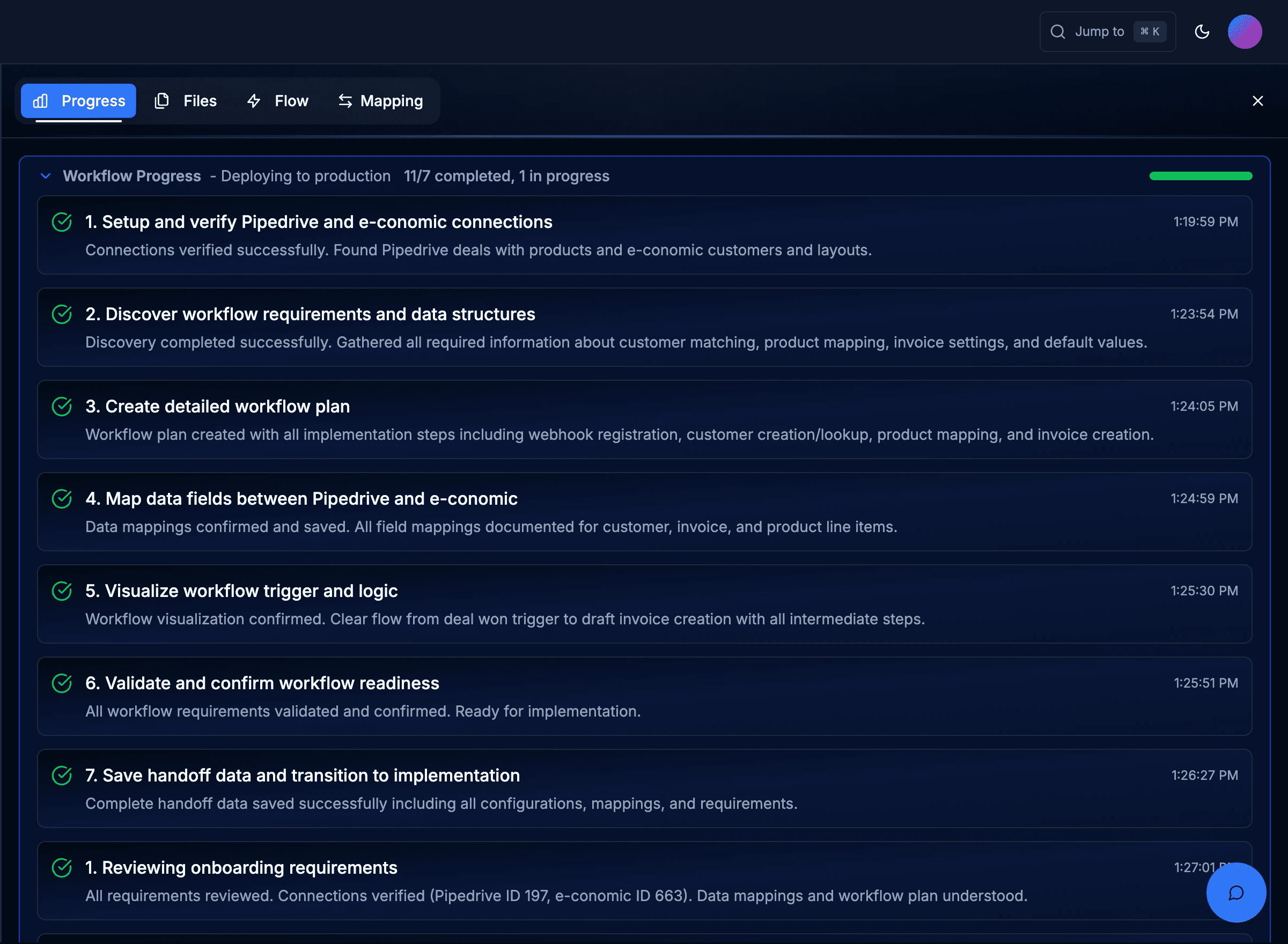
Guided integration checklist
Lighthouse AI turns your description into a concrete plan: connect systems, discover APIs, gather requirements, define mappings, generate the workflow, validate, test, and deploy. You always know what’s done and what’s next.
Throughout the flow, a Lighthouse AI specialist in the side panel explains errors, proposes fixes, and guides you through testing and deployment decisions.
WHY TEAMS CHOOSE LIGHTHOUSE
Why Lighthouse AI beats scripts and generic iPaaS
End‑to‑end lifecycle in one place
No more bouncing between discovery workshops, spec docs, IDEs, and separate automation tools. Lighthouse AI keeps onboarding, design, coding, testing, and deployment in a single workspace.

Workflow mapping
Real-time system integration

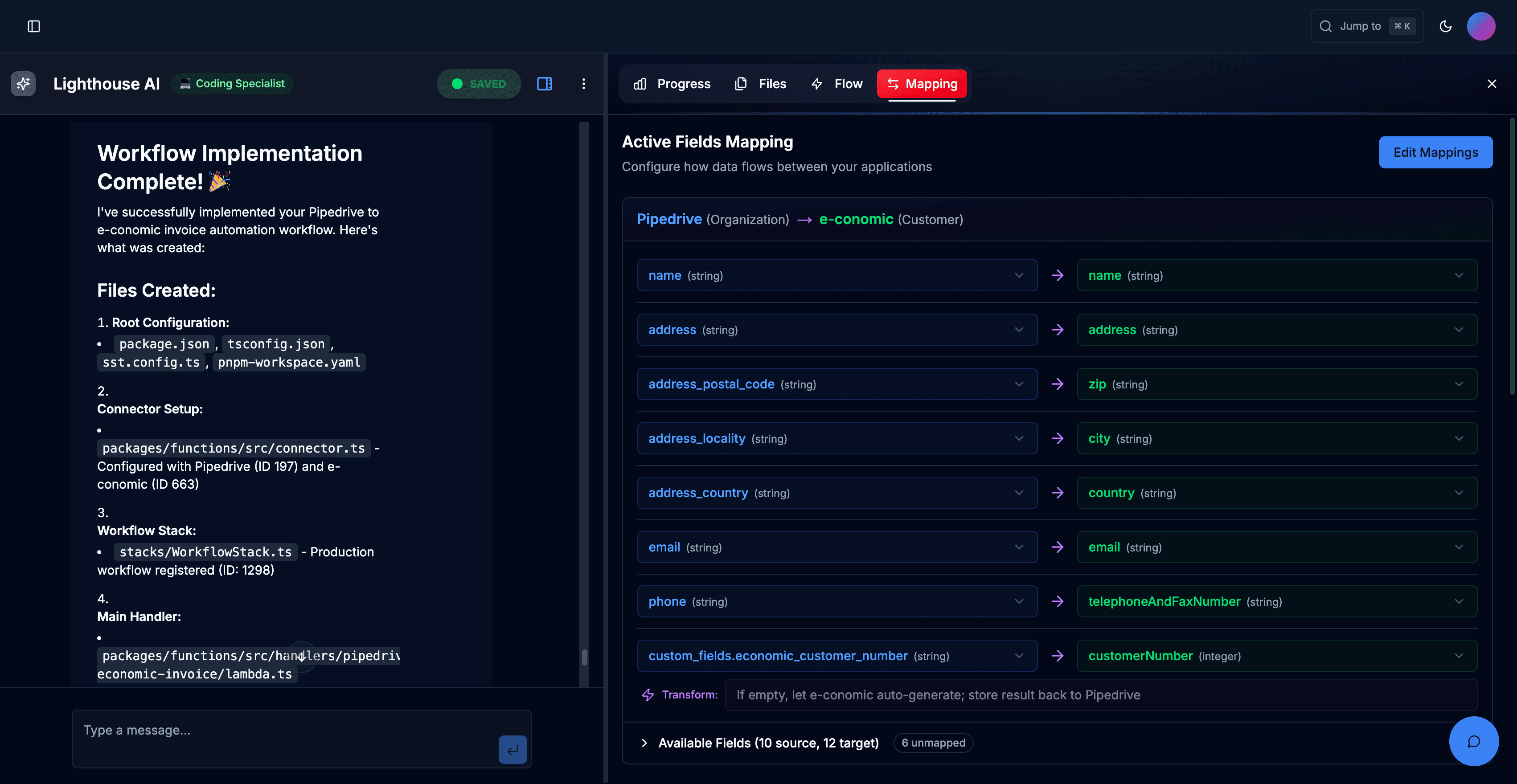
Code + canvas, built on Lighthouse
Non‑technical users get a clear visual flow; engineers get real code and config they can review and extend. Everything runs on the same Lighthouse engine already trusted in production.
Specialized onboarding agent for integrations
The agent talks about triggers, mappings, idempotency, error paths, and rollout plans—not just generic prompts. It brings integration best practices into every project.

Lower maintenance
faster integration delivery
Enterprise‑grade runtime with monitoring and replay
Deploy directly to Lighthouse with dashboards for throughput, failures, and latency. Inspect logs, replay failed workflows, and roll out changes with confidence.



PLATFORMS WE CONNECT
The Engine Behind AI

LangChain

TensorFlow

PyTorch

Zapier

Make (Integromat)

n8n

Python

Google Sheets

Airtable

Notion Database

PostgreSQL

ChatGPT

HubSpot
Python

Cloudflare

Datadog

Vercel

AWS

Twilio

Gmail

Intercom
We use this stack to engineer real AI workflows — not experiments.
WHO IT'S FOR
Built for teams who live and die by integrations
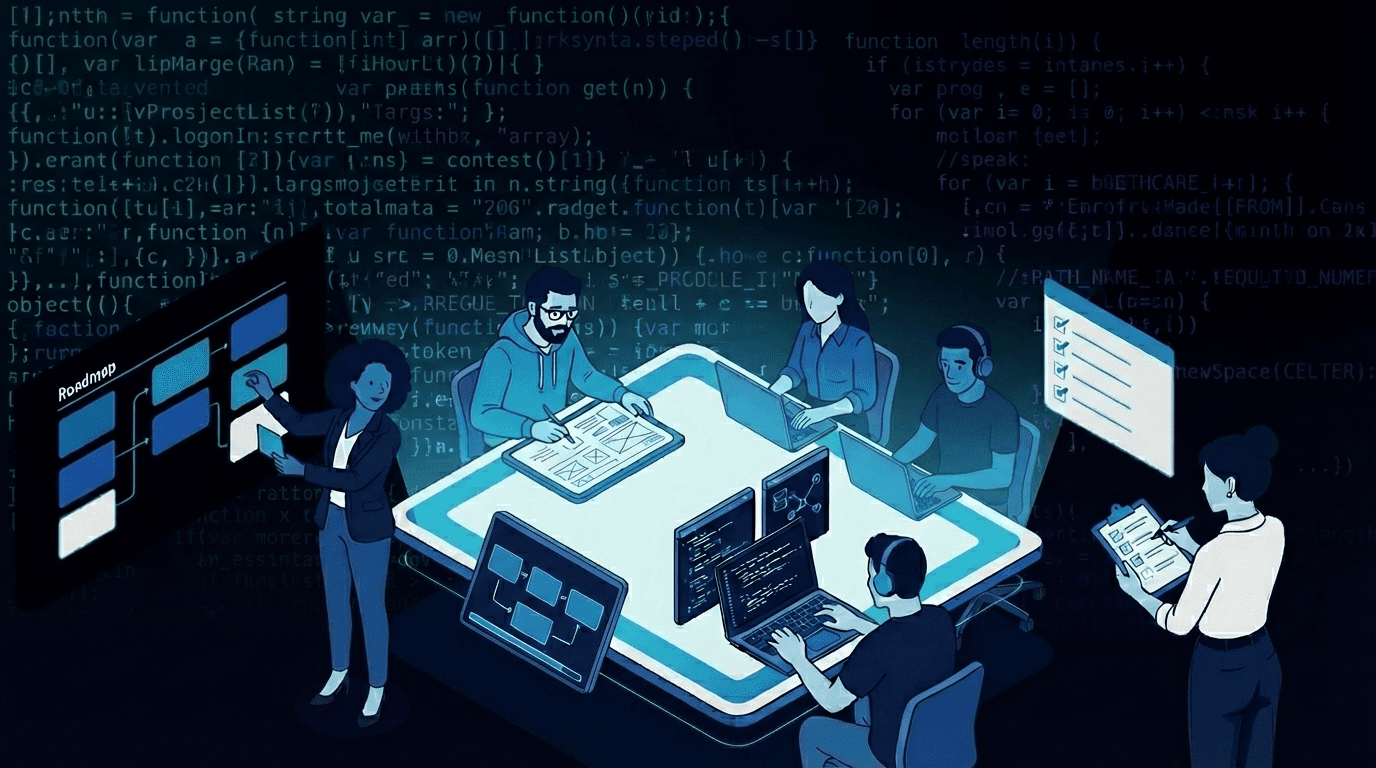
SaaS product & engineering teams
Included Features:
Ship “native” integrations that feel first‑class, not afterthoughts.
Let Lighthouse AI handle the boilerplate—your engineers focus on edge cases and product logic.
Scale from 1 to 20+ integrations without a proportionate increase in integration headcount.
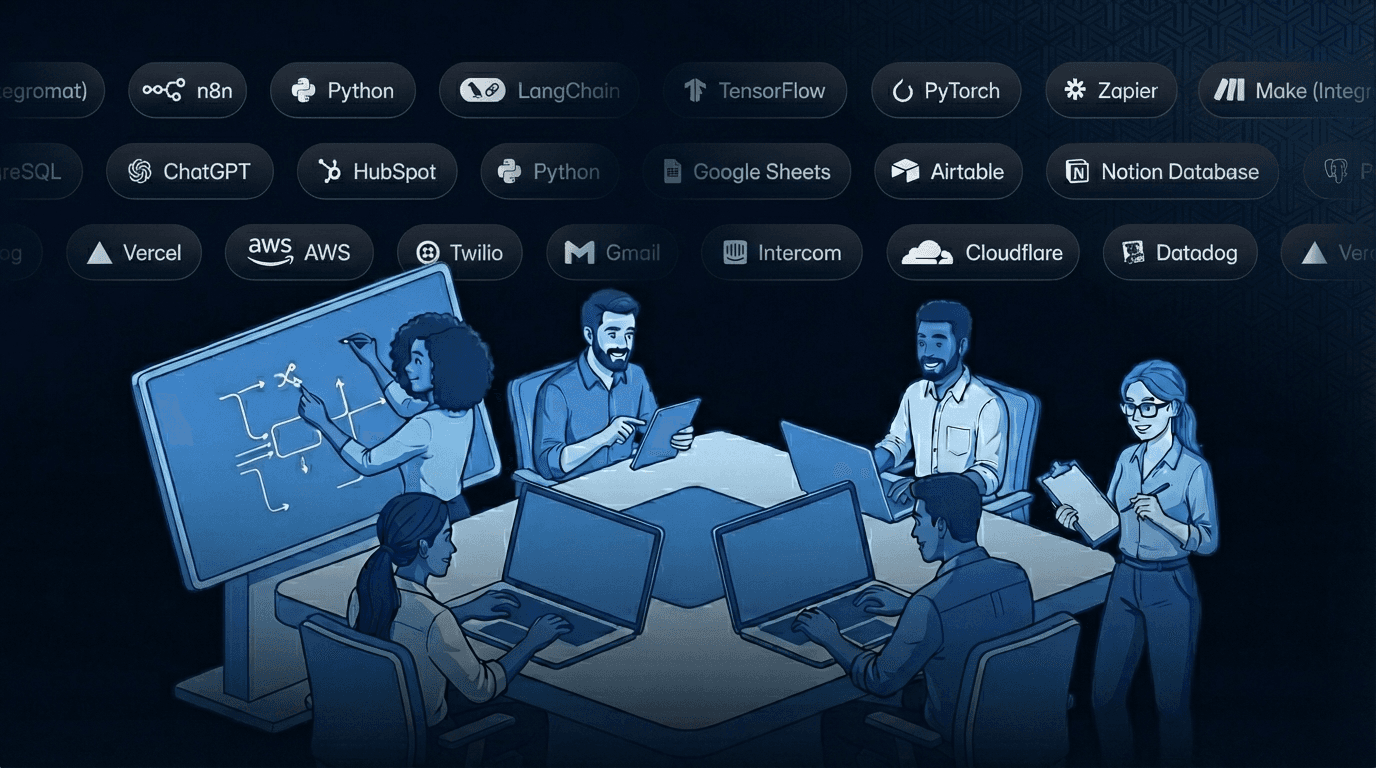
Integration partners & in‑house integration teams
Included Features:
Turn integration workshops into working Lighthouse projects in days.
Standardize on a single workbench and runtime instead of a patchwork of tools and scripts.
Offer clients faster delivery and better visibility into their critical workflows.

Rated 5 star by 120+ clients
“Ops teams in commerce and finance use Lighthouse to move invoice, payout, and reconciliation flows off brittle scripts and into a monitored, testable environment.”

Ethan Parker, CEO
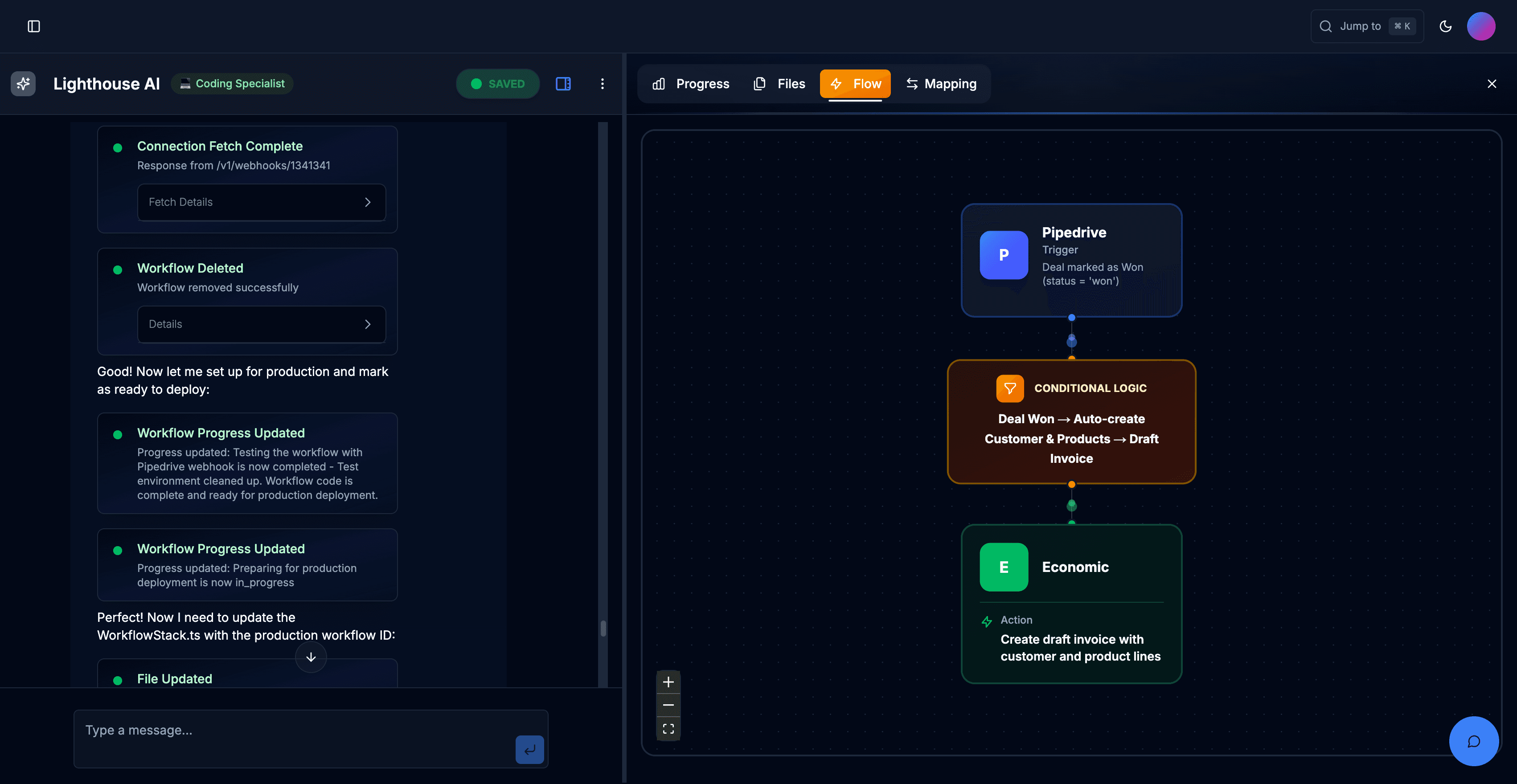
EXAMPLE: PIPEDRIVE ECONOMIC
Pipedrive to e‑conomic in a single guided session

CLIENT TESTIMONIALS
What Our Clients Think

4.5 rating on


Sara Thompson
Customer Success Lead
The chatbot they built cut our support workload in half. It responds fast, stays accurate, and fits our brand perfectly.
Custom AI support chatbot with brand-matched UI and automated knowledge routing.
50 percent reduction in support workload.

Daniel Ruiz
Founder, VisionEdge
The consulting sessions were incredibly useful. They helped us understand what to automate first and gave us absolute clarity.
Thanks for trusting our guidance.
50 percent reduction in support workload.

Aarav Mehta
Operations Manager, Nexora Labs
Their automation work saved our team hours. The AI agent they built handles tasks better than tools we used before.
Glad it improved your workflow.
50 percent reduction in support workload.
Automate integrations in hours, not weeks
Build, test, and run custom workflows in hours — not weeks, without losing control of your code.