
Business Central



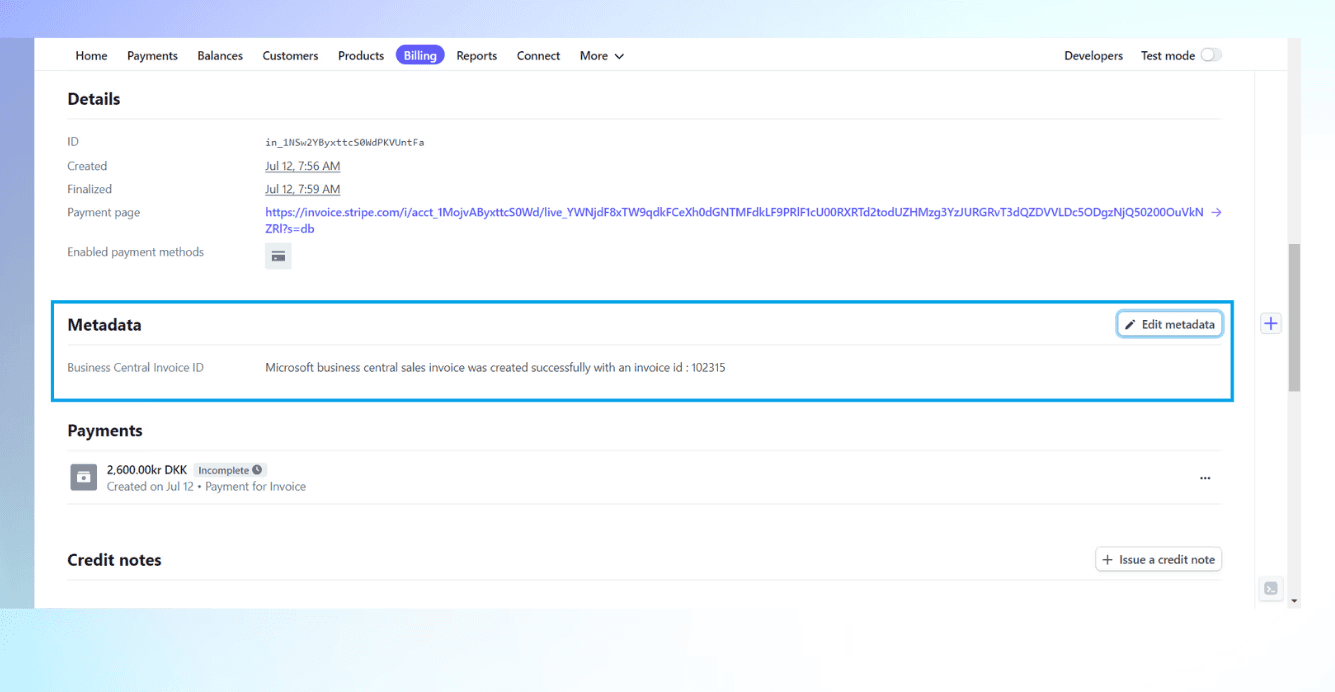
Automatic invoice creation
This feature eliminates the need for manual coordination with the accounting department, as invoices from Stripe are automatically created in Business Central in real-time.

Sync Status Log
Monitor the sync status of each transaction within the invoice metadata in Stripe, providing visibility over successful and unsuccessful transactions.
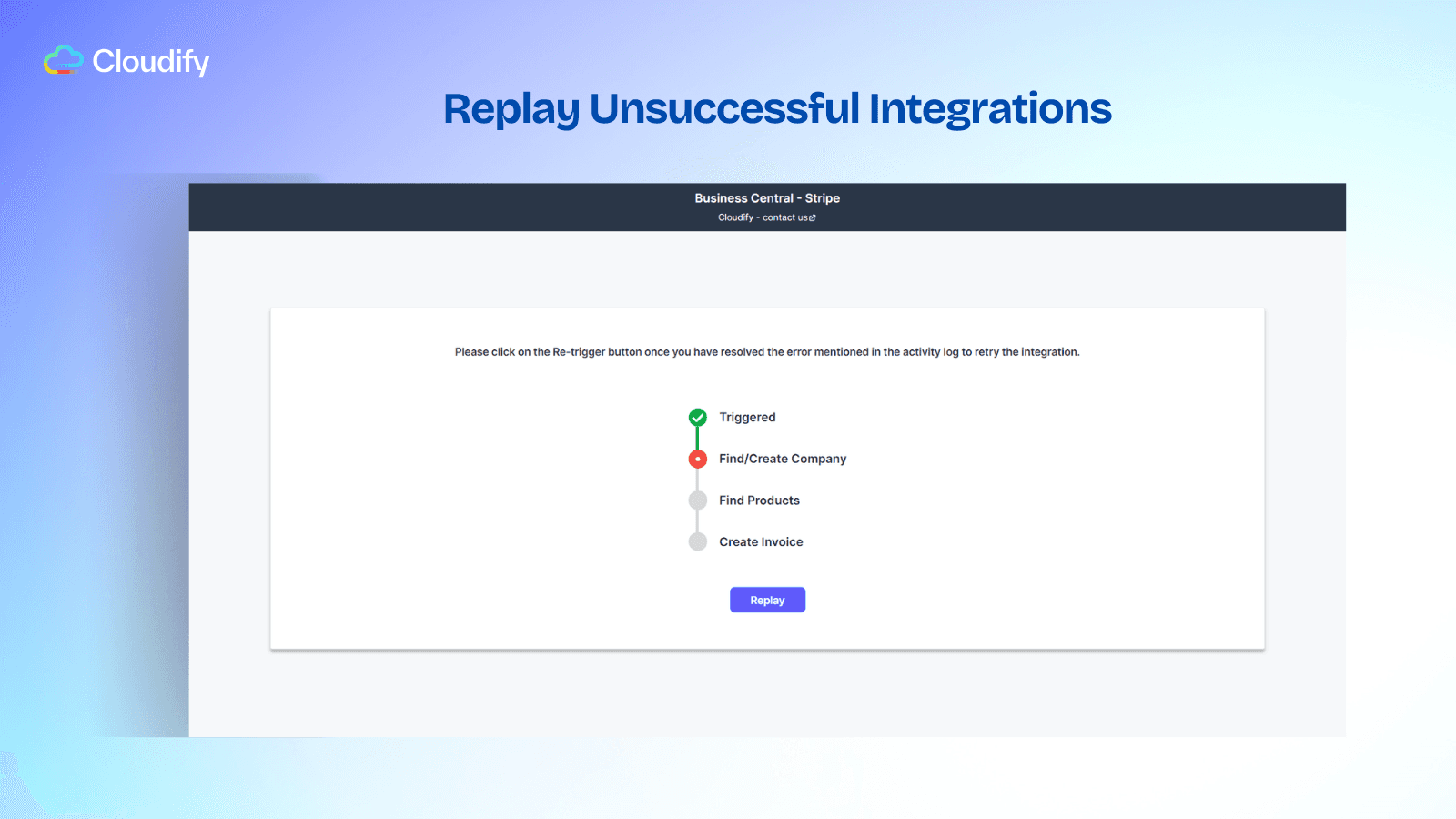
Replay Unsuccessful Integrations
This unique feature allows users to retry failed invoice integrations directly from the invoice metadata field, ensuring no invoice creation in Business Central is missed.
Pricing
FAQ
How does the automatic invoice creation feature benefit my business?
The automatic invoice creation feature streamlines your invoicing process by instantly syncing Stripe invoices with Microsoft Dynamics 365 Business Central. It eliminates manual entries, reduces errors, and saves valuable time, allowing your team to focus on more critical tasks.
Can I customise the data mapping from Stripe to Business Central?
Yes, the integration app provides options for customising field mappings and preferences. You can tailor how customer and invoice data are mapped, ensuring the app fits your business requirements and maintains complete control over your data flow.
What if an integration fails? How does the integration handle this?
Our integration includes a unique replay feature for failed integrations. If an invoice integration fails, you can retry directly from the invoice metadata field in Stripe, ensuring that no invoice creation in Microsoft Dynamics 365 Business Central is missed and your records remain accurate.
How does the integration ensure that there are no duplicate customers in my system?
The integration prioritises data integrity and utilises smart search capabilities to match existing customers based on chosen parameters. This intelligent matching process eliminates the possibility of duplicate customers, maintaining the accuracy and consistency of your data.
