.
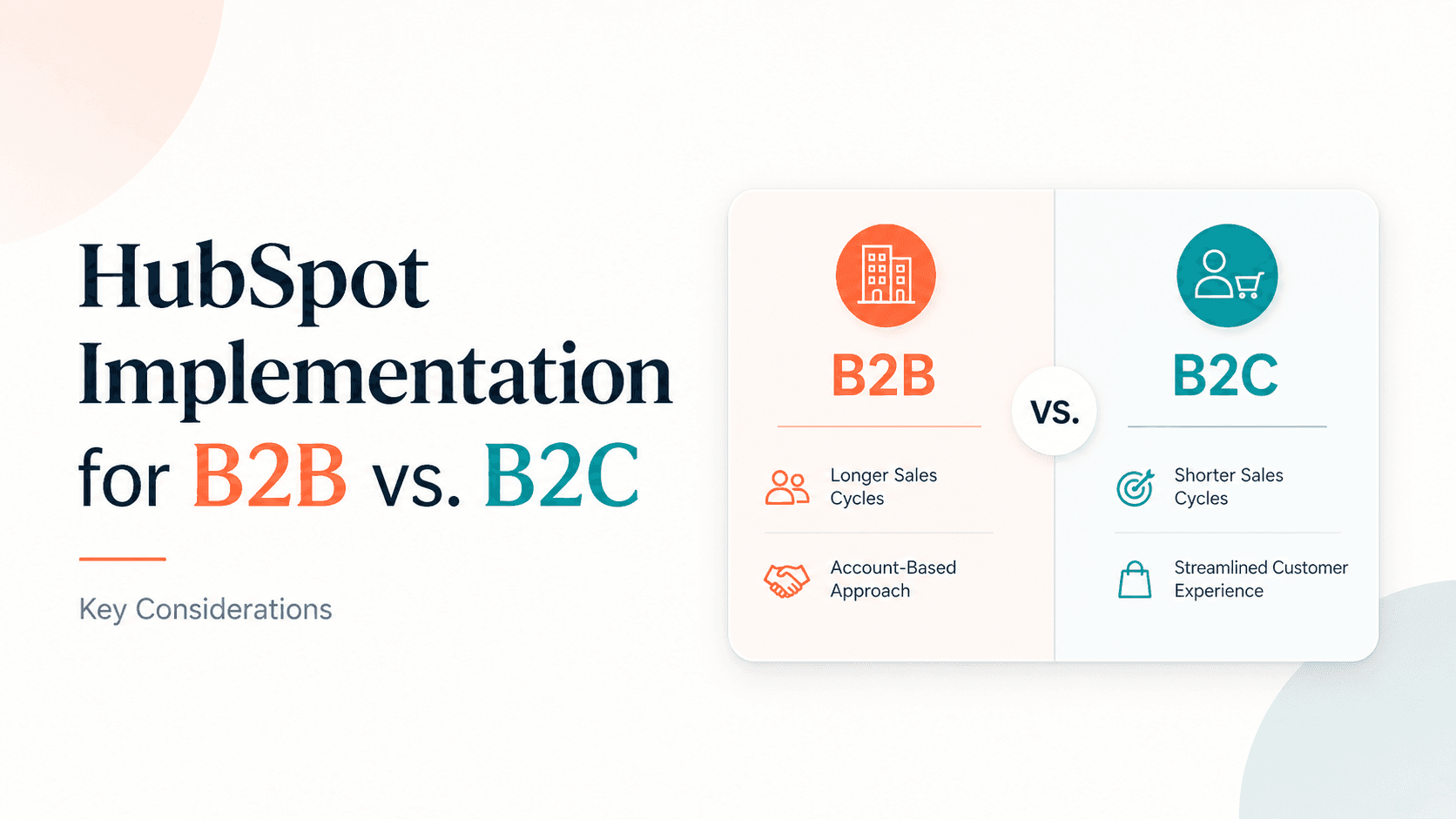
Most HubSpot setup guides treat every business the same. That's a mistake.
HubSpot implementation for B2B vs B2C requires fundamentally different approaches. Get it wrong and you'll end up with a CRM full of irrelevant automations, misaligned pipelines, and a team that ignores the tool entirely.
This guide breaks down exactly what changes between the two models — pipeline structure, automation logic, contact management, integrations, and more — so you build a HubSpot setup that actually fits how your business sells.
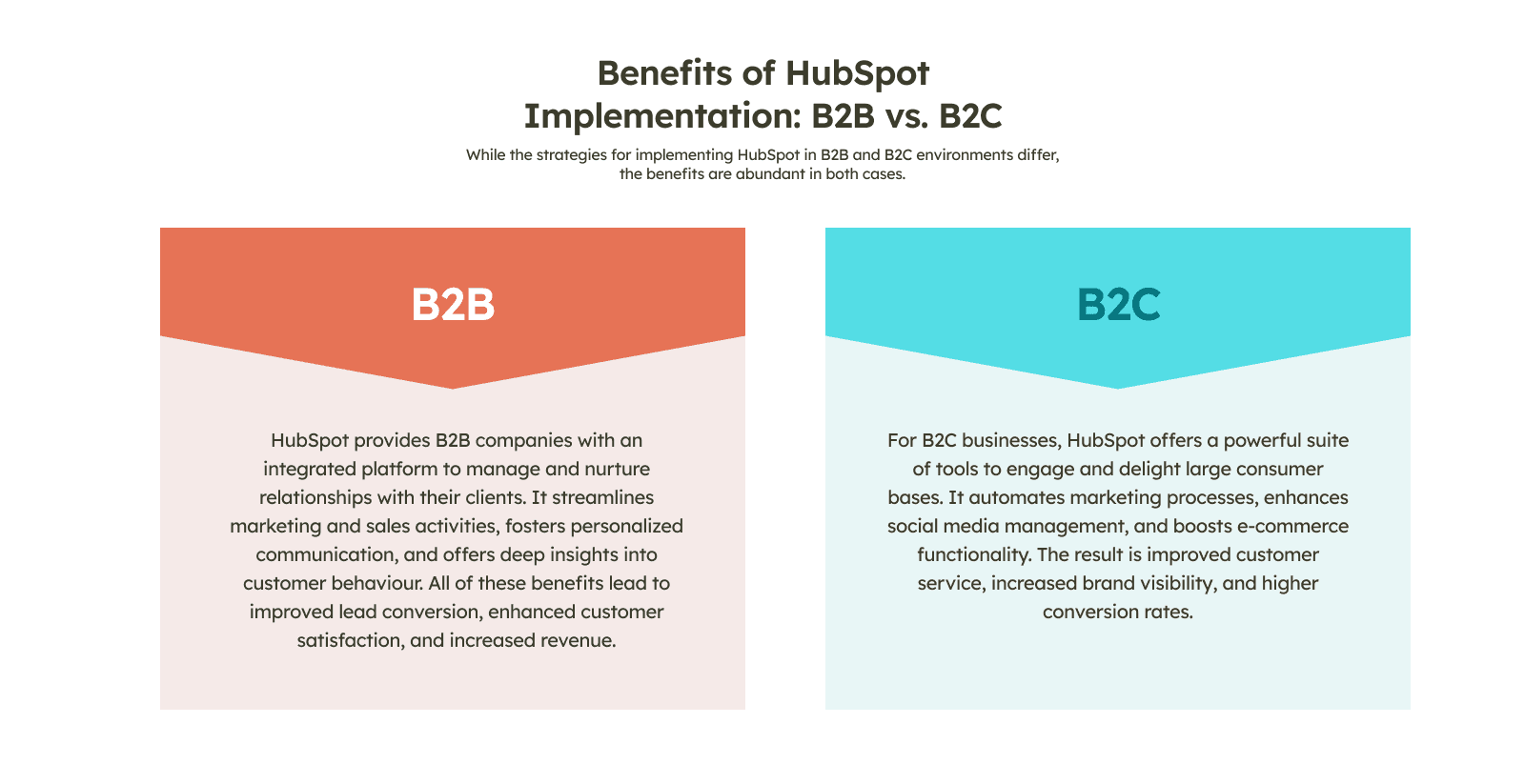
Why B2B and B2C HubSpot Setups Are Not the Same
B2B and B2C businesses don't just sell differently. They think about customers differently, measure success differently, and need completely different data structures.
Here's the core gap:
B2B selling involves longer cycles, multiple decision-makers, and deals that can take weeks or months to close. The relationship between your company and the buyer is the asset.
B2C selling is faster, higher volume, and emotionally driven. Individual customers move through your funnel quickly — sometimes in minutes. The customer experience and purchase behaviour are the assets.
HubSpot is flexible enough to handle both. But the default out-of-the-box setup isn't optimised for either.
HubSpot CRM Setup for B2B: What You Need to Get Right
Focus on Companies, Not Just Contacts
In B2B, you're not selling to a person — you're selling to an organisation. Multiple contacts at the same company might be involved in a single deal: the champion, the decision-maker, the finance approver.
HubSpot's Company object is your anchor. Every contact should be associated with a company record. Every deal should be linked to both.
This gives you visibility across accounts, not just individual leads.
Build a Pipeline That Reflects Your Real Sales Cycle
The default HubSpot pipeline stages are generic. For B2B, replace them with stages that reflect how deals actually move through your business. A typical B2B structure:
Lead Identified
Discovery Call Booked
Qualified (Budget / Authority / Need / Timeline confirmed)
Proposal Sent
Legal / Procurement Review
Closed Won / Closed Lost
Don't skip the qualification stage. B2B teams waste enormous time on deals that were never winnable. A clear BANT gate in your pipeline prevents that.
Use Deal Stages to Trigger Follow-Up Automation
This is where HubSpot's automation earns its place in B2B. When a deal moves to "Proposal Sent," HubSpot can automatically:
Create a follow-up task for the rep in 3 days
Send an internal Slack notification to the sales manager
Start a sequence of personalised emails to the prospect
No manual tracking. No deals going quiet because someone forgot to follow up.
Prioritise Lead Scoring
B2B sales teams can't work every lead with the same intensity. HubSpot's contact scoring lets you rank leads based on behaviour (page visits, email opens, content downloads) and demographic fit (company size, industry, job title).
High-scoring leads get immediate attention. Lower-scoring leads go into a nurture sequence until they're ready.
How to Implement HubSpot for B2B Companies: Step-by-Step
A clean B2B implementation follows this sequence:
Configure company properties — Industry, company size, annual revenue, region
Set up the pipeline — Custom stages with probability percentages
Create lead scoring rules — Weight by job title, company size, and engagement signals
Build contact segmentation — Lists by lifecycle stage (MQL, SQL, Opportunity, Customer)
Connect email and calendar — Gmail or Outlook sync for automatic activity logging
Build your first workflows — Lead assignment, deal stage follow-ups, re-engagement sequences
Set up reporting — Pipeline value by stage, deal velocity, activity per rep
Run this in order. Skipping step one (company properties) means your reporting and segmentation fall apart later.
HubSpot for B2C Businesses: A Different Playbook
Contacts at Scale — Without the Chaos
B2C businesses often have tens of thousands of contacts. Sometimes millions. The challenge isn't tracking relationships — it's segmenting and engaging at volume without making every message feel mass-produced.
HubSpot's Active Lists are your core tool. Build dynamic segments based on:
Purchase history
Last engagement date
Product category interest
Geographic location
Lifecycle stage (Subscriber, Lead, Customer, Evangelist)
As contacts' behaviour changes, their list membership updates automatically. Your campaigns stay relevant without manual maintenance.
Automate the Entire Customer Journey
In B2C, speed matters more than personalised outreach from a sales rep. Your automation does the selling.
A well-built B2C HubSpot workflow handles:
Welcome sequence — A new subscriber gets a 3-email series introducing your brand
Abandoned cart recovery — A shopper who doesn't complete a purchase gets a reminder email (and possibly a discount)
Post-purchase nurture — A customer who just bought gets onboarding tips and a cross-sell offer 14 days later
Re-engagement — Contacts who haven't opened an email in 90 days get a win-back campaign
Each of these runs automatically. Your team focuses on strategy, not execution.
HubSpot E-Commerce Integration for B2C
If you're running an e-commerce operation, the integration layer is critical. HubSpot connects natively with Shopify and WooCommerce — and via Zapier for other platforms.
What this unlocks:
Purchase data syncs directly into contact records
You can trigger automations based on what someone bought, how much they spent, or how often they order
Revenue reporting in HubSpot reflects actual sales, not just deal values
This is the foundation of a real B2C CRM strategy — not just sending newsletters, but reacting intelligently to purchase behaviour.
Related use case: Glycospot
HubSpot Automation for B2B vs B2C: Where They Diverge
This is the most important technical difference between the two setups.
Automation Type | B2B | B2C |
|---|---|---|
Lead assignment | Assign to specific reps by territory/industry | Route to automated sequence, not a rep |
Follow-up triggers | Deal stage changes | Purchase or browsing behaviour |
Email style | Personalised, 1-to-1 sequences | Segmented bulk campaigns |
Re-engagement timing | 30-60 day cadence | 14-30 day cadence |
Lifecycle transitions | Manual (rep-reviewed) | Automatic (behaviour-triggered) |
CRM object focus | Companies and Deals | Contacts and Transactions |
Building B2C automation logic into a B2B setup — or vice versa — is one of the most common implementation mistakes. It creates workflows that fire at the wrong time, for the wrong people, with the wrong message.
HubSpot CRM Integration Strategy: B2B vs B2C
Both models benefit from integrations, but the priority tools differ.
B2B Integration Priorities
LinkedIn Sales Navigator — Sync prospect data and track social selling activity
Calendly — Auto-log discovery calls and create CRM activities on booking
Slack — Deal alerts and internal notifications for sales teams
QuickBooks / Xero — Invoice creation triggered by closed deals
Zapier — Connect HubSpot to ERP, project management, or custom tools
B2C Integration Priorities
Shopify / WooCommerce — Purchase data flowing directly into HubSpot
Facebook and Instagram Ads — Lead ad submissions sync as new contacts
Klaviyo or Mailchimp (migration) — Consolidate email tools into HubSpot
Typeform / Jotform — Survey and form responses captured in contact records
Google Ads — Attribution data to measure which ads drive customers
Cloudify tip: Before connecting any integration, map your data flow. Know where each piece of information enters your business, where it needs to go, and what should happen next. Most integration problems aren't technical — they're caused by unclear process design upstream.
AI-Powered CRM Automation in HubSpot (2026)
HubSpot's AI features have matured significantly. In 2026, both B2B and B2C businesses are using them to reduce manual work and improve decision-making.
Practical AI features now available in HubSpot:
Predictive lead scoring — AI ranks leads based on historical conversion patterns, not just manual rules
Deal health scoring — Flags deals at risk of going cold based on engagement signals
Content AI — Generates email drafts, sequence copy, and social posts inside HubSpot
Conversation intelligence — Transcribes and analyses sales calls, surfaces coaching insights
AI-powered chatbots — Handle inbound enquiries 24/7 and route qualified leads to reps
For B2B teams, deal health scoring and conversation intelligence have the highest impact. For B2C, AI-powered segmentation and personalised email generation at scale are the biggest wins.
HubSpot Implementation Best Practices 2026
Whether you're B2B or B2C, these fundamentals apply:
1. Start with clean data Import only contacts that are genuinely useful. Dirty data is the number one reason CRM adoption fails. Audit your list before migration.
2. Map your process before touching the software Document how leads enter your business, how they move through your funnel, and what triggers each transition. Then build HubSpot to reflect that — not the other way around.
3. Build simple automations first One well-designed workflow that runs reliably is worth more than ten complex ones that break. Add complexity after you've validated the basics.
4. Train your team properly HubSpot Academy has free certifications. Make them required for every user. A CRM only generates value when it's used consistently.
5. Review your dashboard weekly Your CRM produces data every day. If you're not reviewing it, you're flying blind. Set a weekly cadence — pipeline review for B2B, campaign performance for B2C.
6. Audit quarterly Contacts go stale. Workflows drift. Properties accumulate. A quarterly audit keeps your HubSpot installation clean and working as intended.
When to Work With a HubSpot Implementation Partner
A self-guided setup works for simple needs. But if any of these apply to you, working with a certified HubSpot Implementation Partner will save you significant time and prevent costly mistakes:
You're migrating from another CRM (Salesforce, Zoho, Pipedrive) with existing deal and contact history
Your business has both B2B and B2C revenue streams that need to coexist in one portal
You need custom integrations with accounting, ERP, or e-commerce platforms
Your team has tried HubSpot before and adoption was poor
You have a go-live deadline that can't slip
A certified HubSpot CRM implementation service doesn't just configure the software. They analyse your existing processes, design a data model that fits your actual business, build integrations that eliminate manual work, and train your people to use the system properly.
At Cloudify, we're a HubSpot Custom Integration Accredited partner. We've built implementations for both B2B and B2C businesses — and we know the mistakes that come from applying the wrong model to the wrong business type.
See our HubSpot implementation services → Book a free consultation →
Frequently Asked Questions
Q: What is the main difference between HubSpot implementation for B2B vs B2C? B2B implementation focuses on account-based selling — companies, deal pipelines, multi-stakeholder contact management, and rep-led follow-up automation. B2C implementation focuses on high-volume contact segmentation, behaviour-triggered automations, and e-commerce integrations. Using the wrong setup for your model creates workflows that misfire and data that's impossible to act on.
Q: How do I set up HubSpot for B2B companies specifically? Start by configuring the Company object as your primary record. Build a deal pipeline with custom stages that reflect your real sales cycle. Set up lead scoring based on job title, company size, and engagement signals. Connect your email for automatic activity logging. Then build automation workflows triggered by deal stage changes, not just contact behaviour.
Q: Can HubSpot handle both B2B and B2C in the same portal? Yes, but it requires careful data architecture. You'll need separate pipelines, segmented contact lists, and clearly defined lifecycle stages for each business type. Most businesses that try to manage both without a structured implementation end up with messy data and conflicting automations. A certified HubSpot partner can design a dual-model setup correctly from the start.
Q: What are the best HubSpot automations for B2C businesses? The highest-impact B2C automations are: welcome sequences for new subscribers, abandoned cart recovery emails, post-purchase nurture sequences, re-engagement campaigns for inactive contacts, and behaviour-triggered promotions based on browsing or purchase history. These run automatically at scale without requiring sales rep involvement.
Q: What does a HubSpot Implementation Partner actually do? They analyse your current sales and marketing process, design a HubSpot data model that fits your business (not a generic template), configure pipelines and automation workflows, migrate existing data cleanly, build integrations with your other tools, and train your team to use the system consistently. The value isn't just technical setup — it's avoiding the mistakes that take months to unwind.
Q: How long does HubSpot implementation take? A basic setup — pipeline configuration, email integration, contact import — takes one to two days. A full implementation with custom integrations, data migration, automation workflows, and team training typically takes two to six weeks, depending on complexity and the number of integrations involved.
Conclusion
HubSpot implementation for B2B vs B2C isn't a minor configuration difference — it's a fundamentally different approach to data structure, automation logic, and integration priorities.
B2B businesses need account-based pipelines, rep-led follow-up automation, and lead scoring that separates high-value prospects from noise. B2C businesses need high-volume contact segmentation, behaviour-triggered journeys, and e-commerce integrations that turn purchase data into marketing intelligence.
Getting this right from day one determines whether your team uses HubSpot consistently or treats it as an expensive address book.
If you want a setup built for your specific business model — not a generic template — Cloudify's certified HubSpot consultants are ready to help.
Book your free HubSpot consultation → Explore our HubSpot integration services →

Frequently Asked Questions
What is the Cloudify Partner Program?
The Cloudify Partner Program is a structured reseller and referral program for accountants, advisory firms, and digital agencies. Partners earn recurring commissions by introducing clients to Cloudify's automation platform, which connects Shopify, Amazon, WooCommerce, HubSpot, Pipedrive, Xero, and QuickBooks. Cloudify handles demos, workflow mapping, and technical onboarding — partners earn structured commissions without managing the implementation themselves.
Who should join the Cloudify Partner Program?
The program is designed for two audiences: (1) Accounting and advisory firms that work with ecommerce clients and want to offer automation as part of their service stack, and (2) Digital and web agencies that manage clients' tech stacks and want to add integration and workflow automation without hiring developers.
What integrations does Cloudify support for partners?
Cloudify supports integrations including Shopify–Xero, Shopify–QuickBooks, HubSpot–Xero, Pipedrive–Xero, Amazon–Xero, WooCommerce–Xero, and payroll automation. Full integration details are available at (accounting systems) and CRM systems).
How do Cloudify partners earn commissions?
Cloudify offers structured recurring commissions. Partners earn on every client they onboard, with commissions continuing as long as the client stays active. Apply here.
Does Cloudify provide onboarding support for partners?
Yes. Cloudify provides done-for-you onboarding exclusively for partners and their clients. This includes demos, workflow mapping, and technical setup — all managed by the Cloudify team. Details here .
